TaskbarX: the best music app... Intuitive modes that are easy to understand
TaskbarX for any age. Do not hesitate to download
TaskbarX for
Windows if what you are looking for in Downloads.com is the best of
Desk In the category of
Desk TaskbarX does very well, with more than
2 217 downloads it is one of the most viewed applications of our website Downloads.com.
Read offline horror story : TaskbarX. ¡Bienvenido a TaskbarX!...
TaskbarX is a tool for all those maniacs who want to always have control over the position of the icons . It is very interesting for those users who have migrated from Mac to Windows and do not want their dock- centric icons to be scattered across the desktop.
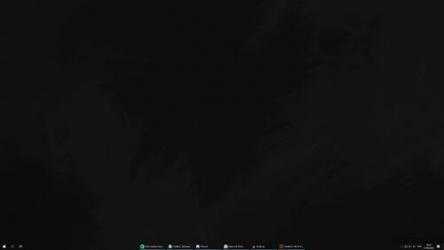
It is a simple, portable program that allows us to place all the icons in an orderly manner on the taskbar. As it is portable, it does not require any type of installation, so it is possible to have it on a flash drive to take it to any computer.
Control the position of your icons
As soon
as we start TaskbarX we will see how all our icons are centered on the taskbar. In the application we can customize some details, such as the "displacement value" (which allows us to place the start button in the desired position) or change the animation (we can choose between deceleration, linear, damping, acceleration).
If the icons have been moved around, or if we've created a configuration that we're not excited about, we can
hit a refresh button that allows us to relaunch TaskbarX , so that the icons are back in place.
Compatible only with the main screen
At the moment,
FalconX can only be used on single screen computers. If running on computers with 2 screens or more, the changes will only be applied to the main screen.
The source code of the app has been published at:
Github.com/ChrisAnd1998/TaskbarX , so it is very likely that it will be improved in the future.