-
Downloads
-
Windows
-
Utilities and tools
-
Samsung Flow
Samsung Flow
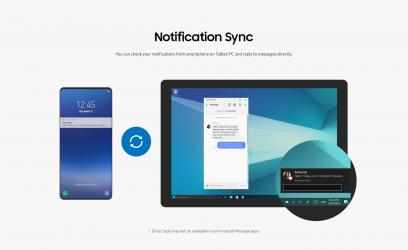
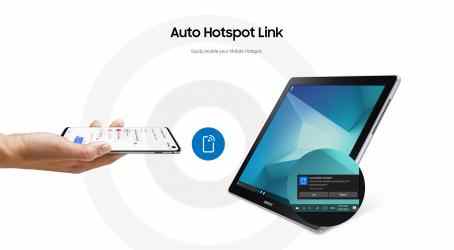
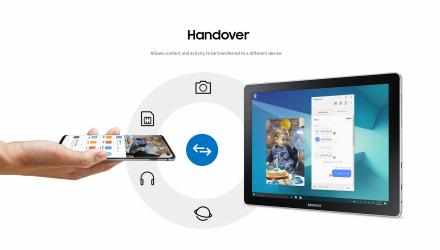
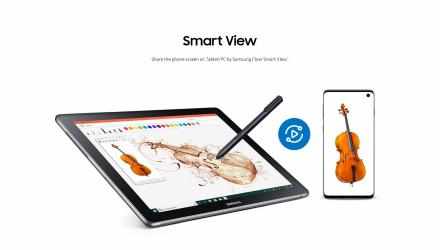
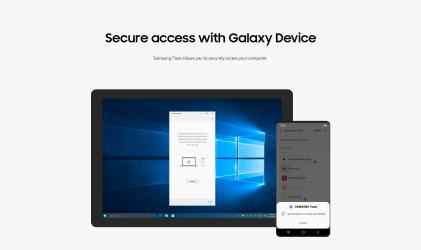
Samsung Flow is a software product that enables a seamless, secure, connected experience across your devices. You can authenticate your Tablet/PC with your smartphone, share content between devices, and sync notifications or view contents from your smartphone on your Tablet/PC. You can turn on the smartphone's Mobile Hotspot to keep your Tablet/PC connected.
You can also log in to your Tablet/PC with your biometric data (Iris, Fingerprints) if you register with Samsung Pass.
The following devices support Samsung Flow:
1. Windows Tablet/PC : Windows 11, Windows 10
(Galaxy TabPro S, Galaxy Book, Galaxy Book2. Galaxy Book S, PC)
2. Android Tablet: Android N OS or newer (Galaxy Tab S6, Galaxy Tab S5e, Galaxy Tab S4, Tab S3, Tab S2, Tab A (2018, 10.5), Tab A2, Tab Active 2, Tab A 10.1, Tab A (2017))
3. Android Phone : Android N OS or Newer
It may not be supported by some models, depending on the smartphone specifications.
* Samsung Flow will operate only on official software released by Samsung Electronics.
* Windows: Bluetooth (Bluetooth LE optional) or Wi-Fi/LAN, Wi-Fi direct
Windows 10 users can find the Samsung Flow app on the Windows App Store.
Go to the Samsung Flow webpage where you can find the setup guide:
www.samsung.com/samsungflow
If you have not updated the Samsung Flow app to the latest version, please go to Windows Store > Menu > Downloads and Updates to update the app.
* The PC unlock function is no longer provided because the Windows policy has changed.
Keep supporting
Electronic arts and download their programs quickly here. Samsung Flow now Windows Store!
Electronic arts has managed to position
Samsung Flow as a reference in
Utilities and tools achieving more than
2 226 downloads in a short time. El mensaje de Guillem Cortes It doesn't do anything else, the best thing, it works perfectly and that's it... who wants Apple's nonsense with AirDrop having this
Samsung Flow is a fun and addictive puzzle game! -Play Samsung Flow in background...
(Galaxy TabPro S, Galaxy Book, Galaxy Book2, Galaxy Book S, PC)
* Windows: Bluetooth (Bluetooth LE optional), or Wi-Fi/LAN, Wi-Fi Direct
* Samsung Flow will work only with the authorized app published by Samsung Electronics.
Please go to the Samsung Flow web page to check how to proceed Setup Guide:
www.samsung.com/samsungflow
1. Windows Tablet/PC: OS Windows OS 10 Creators Update (V1703) and June Chunk Build (15063.413)
If you have not updated the Samsung Flow app to the latest update, please go to local Windows OS > Menu > Downloads and versions to update it.