Most third-party programs currently offered are somewhat slow and tedious, which is not the case with LightShot . LightShot... The best way to shop with LightShot on Android!...
LightShot nuevo 2021... LightShots HD y Live...
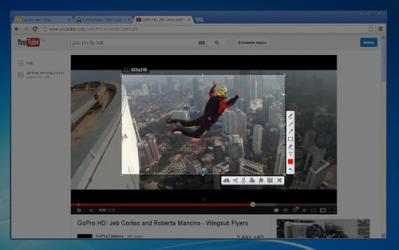
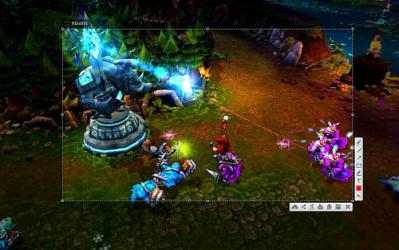
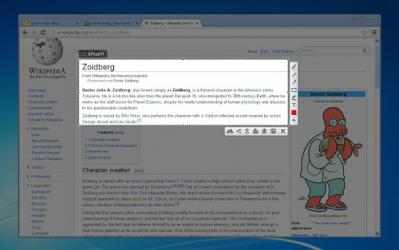
LightShot helps you take screenshots easily. All you have to do is run the application and press a button for the capture to take place. It is compatible with multiple monitors and you can get the snapshot in the best possible quality, so it could be used in different media.
One of the additions of this tool is that it will not only let us save the image on the hard drive, but it also has the function of uploading it to the network, to a server that the brand offers us. And the best of all is that the use of this server does not entail any type of cost. This way we will not fear if the images saved in the local space are deleted.
Retouch the images you capture
But there is still more: it is not only a good option to
capture the screen , it also has an integrated application designed so that we can edit the photos. It is very similar to Photoshop, allowing us to vary the color balance of the image, rotate it, apply filters, interact with brushes, move around in a layered environment, etc.).
Google Chrome extension
LightShot is not a conventional application, but rather a practical extension for Google Chrome that will allow us to take screenshots directly from the browser. It doesn't matter what you want to capture, as the tool will handle it.
Use
LightShot and don't get complicated when capturing the screen.