Synology no longer provides software updates for DS file on Windows Phone (starting May 11, 2018) and Windows UWP (starting May 25, 2020). For more information on the supported platforms of DS file, please visit Synology’s official website.
*You must own a Synology NAS to run this app, as well as have upgraded your DiskStation to DSM 5.0 for all available features*
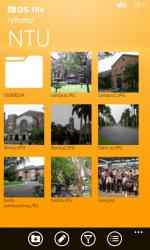
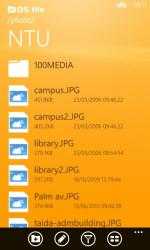
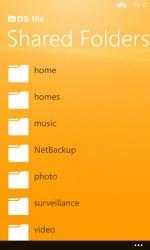
DS file allows you to browse and manage files stored on your DiskStation, all from your Windows Phone as well as upload photos from the Camera roll directly to the DiskStation. Sharing file links, protecting them with a password and an expiration date, compressing and extracting files on your DiskStation, or even adding folders you access most often to your “Favourites” list, all this is possible with DS file.
With DS file for Windows Phone, you can:
-Browse and manage files stored on your DiskStation
-Stream video, audio files as well as view pictures and documents directly
-Upload photos from your Windows Phone’s Camera roll up to your DiskStation
-Add folders to your “Favourites” for quick access
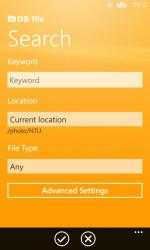
-Search files with advanced search options
-Archive / extract files on the DiskStation
-All features available with DSM 5.0 and onwards
-Requires Windows Phone 7.5 and onwards
With DS file you can:. The application is compatible with almost all
Windows devices and will not give many problems on old equipment. DS file Bold.
DS file, includes all Popular Songs...
DS file is at the top of downloads in its
Utilities and tools category for
Windows devices.