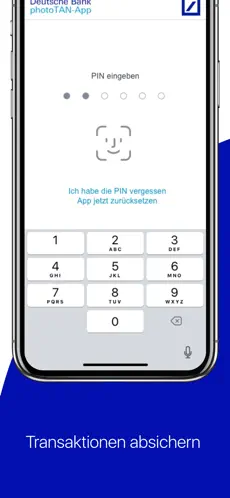
+++ Approve orders securely and conveniently +++
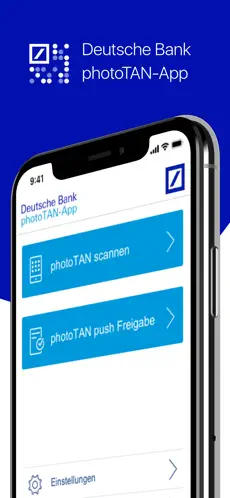
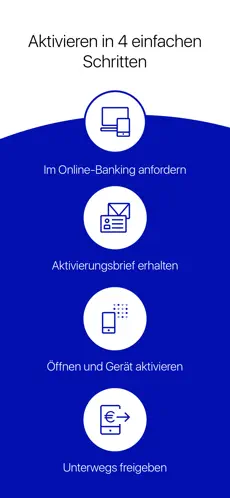
The photoTAN app allows you to approve your orders, such as transfers in online and mobile banking. To do this, the photoTAN security procedure must be activated by scanning a graphic in the activation letter.
+++ photoTAN and photoTAN push +++
Once a photoTAN procedure is active, you have 2 options for approving an order:
photoTAN – simply scan a graphic and enter the generated TAN (transaction number) in the order. This confirms the order and approves it.
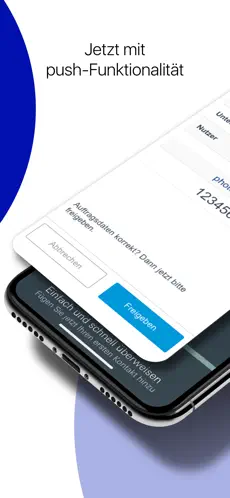
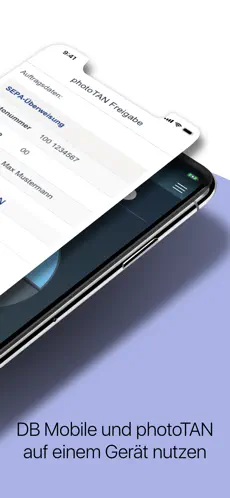
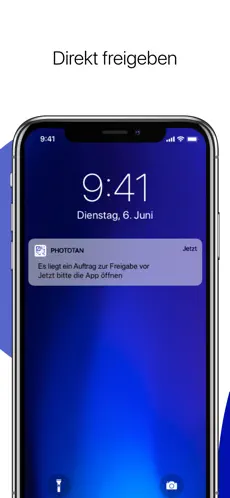
For added convenience, we recommend photoTAN push – once you have checked the data, confirm the order directly in the app.
+++ Security +++
The photoTAN app is protected by a PIN of your choice or by biometric data.
+++ Note on activating photoTAN +++
Since 25 August 2025, it is no longer possible to set up a new photoTAN security procedure. Active photoTAN procedures can continue to be used. Our BestSign security procedure will replace photoTAN. BestSign is set up directly in the Deutsche Bank app. This means that your banking and security procedure will be available in one app in the future.
Learn more
https://www.deutsche-bank.de/pk/konto-und-karte/bankgeschaefte-erledigen/phototan.html
Connect with Deutsche Bank photoTAN efficiently and t... The real success of
Deutsche Bank photoTAN , in addition to the high quality of its content, has been the accessibility of its developers to listen to user comments and act accordingly. ¡Bienvenido a Deutsche Bank photoTAN!... El review de Vicenta Soriano Permanent crash!, excellent app and superior level of data protection and photo Tan is an easy way to handle account security
Keep supporting
Deutsche bank ag and download their programs quickly here. Deutsche Bank photoTAN Mobile App...