The long-awaited Deepl app is here!... Connect with Deepl efficiently and t... More than
1 086 downloads ensure that the developer has placed
Deepl in the top of
Education apps.
Most third-party software currently being offered is somewhat slow and tedious, which is not the case with
Deepl.. Deepl app.
Deepl is a translator that is positioned as one of the best alternatives to the classic Google translator . Unlike the latter, it uses Convolutional Neural Networks, and its own multi-language dictionary to achieve highly accurate results.
Before, the only way to use Deepl was through its website: as with Google, you had to be connected to the network, enter the text and click on the corresponding button.
Deepl now has its own application , with support for Windows and Mac operating systems. It can be downloaded free of charge and, although it is still in the testing phase, it works very well.
very simple translator
Forget about tedious interfaces and countless features. This
translator is one of the simplest on the market.
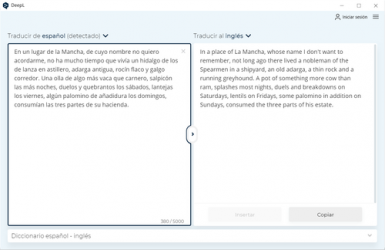
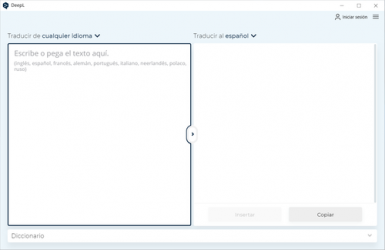
As soon as we run the application, a box will appear in which we will enter the text to translate. At the bottom we have another program in which said translation will be shown.
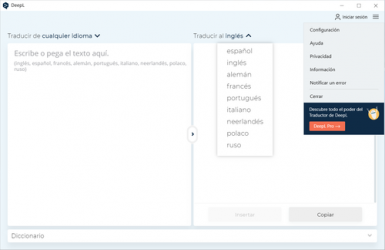
If we want to change the
translation language , we will mark in the tab below, in the option to translate to <<language>>, to change it to the desired one.
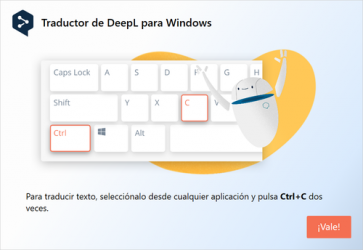
Works with Windows clipboard
The operation in the Windows operating system is very simple, and there is no need to copy and paste the text. We just
click on the text we want to translate , we copy it twice (control c + control v) and the translator will do everything for us.
And just like that, you can make use of this interesting translator.