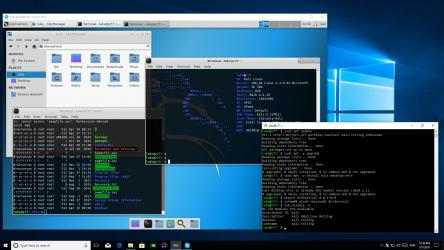
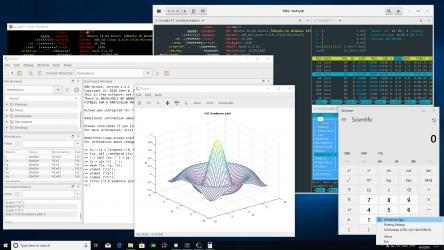
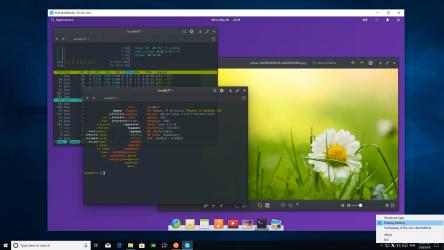
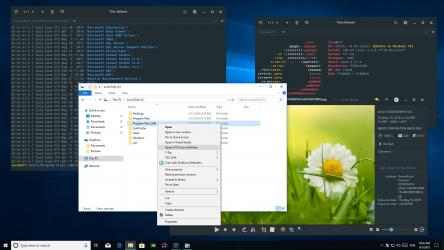
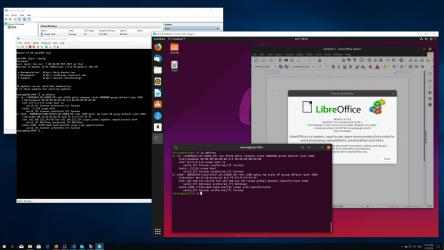
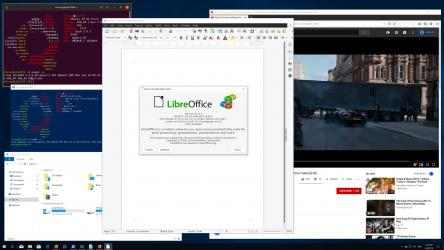
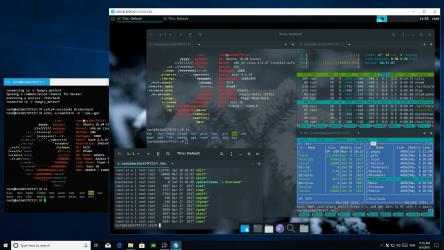
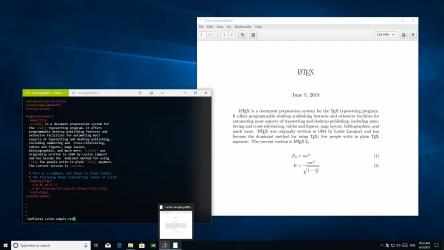
Do you want to seamlessly use Linux GUI apps side by side with Windows apps? Simply start X410 and adjust a few settings; your Linux GUI apps then suddenly appear in Windows and you can use them like Windows apps!
It doesn't matter where your Linux GUI apps are actually running; it can be a full virtual machine, Docker container, WSL (Windows Subsystem for Linux) or whatever. As long as your Linux GUI apps support X-Window client protocols, you can use them in Windows. You can even securely use your Linux GUI apps running in a far remote server via any SSH client that supports X11 forwarding over the Internet.
Are you more interested in using a full Linux graphical desktop environment such as Ubuntu or Xfce? No problem! X410 has a desktop mode that turns itself into a freely resizable virtual monitor. Hence you can straightforwardly set up your favorite Linux graphical desktop environment simply by treating X410 as a display screen.
Don't forget to also check out other unique features in X410 that will surely make your Linux GUI app experience in Windows much more enjoyable and seamless! For example, the clipboard sharing feature in X410 not only supports plain text but also HTML encoded text as well as BMP/PNG images. You can also use VSOCK connections for locally running virtual machines and maintain stable connections even when your VPN, Wi-Fi or any TCP/IP settings are changed unexpectedly.
Install X410 and test drive it now!
// USAGE TIPS & NOTES
- Getting started
https://x410.dev/cookbook/
- Running X410 on HiDPI/4K Screens
https://x410.dev/cookbook/running-x410-on-hidpi-screens/
- Enable systemd in WSL2 and have the best Ubuntu GUI desktop experience!
https://x410.dev/cookbook/wsl/enable-systemd-in-wsl2-and-have-the-best-ubuntu-gui-desktop-experience/
- While X410 is in Floating Desktop mode, you can maximize or restore the desktop window by pressing CTRL+ALT+BACKSPACE
For more tips and usage examples, please visit https://x410.dev/.
X410... Welcome to X410! X410, includes all Popular Songs...
properties properties of X410:. Enjoy your X410 anywhere....
// TIPS AND USAGE NOTES
- Running X410 on HiDPI / 4K displays
- While X410 is in desktop mode, you can maximize or restore the X410 window by pressing CTRL + ALT + BACKSPACE.
- Boot Hyper-V Ubuntu desktop on X410 via VSOCK; No firewall or TCP/IP network permissions needed!
- Share Windows fonts with WSL
https://x410.dev/cookbook/hyperv/using-x410-with-hyper-v-linux-virtual-machines-via-vsock/
- Creation of a shortcut to directly open the WSL GUI desktop
https://x410.dev/cookbook/wsl/creating-shortcut-for-wsl-gui-desktop/