-
Downloads
-
Windows
-
Utilities and tools
-
Video Maker - VideoShow
Video Maker - VideoShow
Video Maker – VideoShow is a powerful and creative video editing tool that allows you to transform your photos and videos into polished, professional-looking creations. With smooth transitions, stylish filters, and engaging slideshow effects, you can easily bring your imagination to life. Whether you want to make social media content, edit personal videos, or craft memorable slideshows, this app gives you everything you need in one place.
Tutorial: https://www.videopixstore.com/video-maker-videoshow-tutorial/
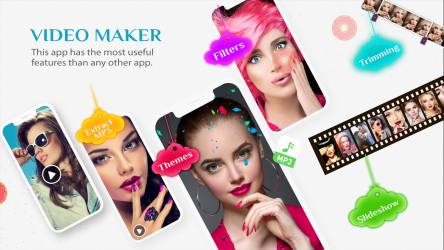
App Options & Features:
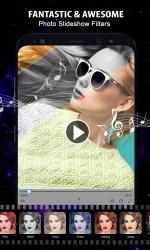
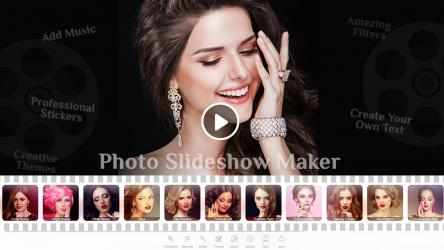
1. Photo Slideshow
o Import multiple images and turn them into stunning slideshows.
o Add background music to bring your slideshow to life.
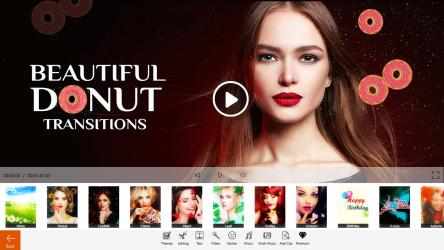
o Choose from a wide variety of transitions for smooth effects.
o Adjust crop ratios for all social media platforms.
o Fine-tune with filters, stickers, and text.
o Control duration and canvas settings (Fill/Fit).
o Save your slideshow instantly and share anywhere.
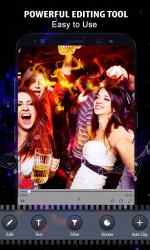
2. Edit Video
o Full-featured editor with split, copy, delete, and crop tools.
o Adjust video properties to match your style.
o Add multiple layers of clips, audio, text, stickers, and filters.
o Apply transitions for smooth scene changes.
o Combine and customize clips for unique video projects.
3. Photo Editor
o Crop photos in all popular social media ratios.
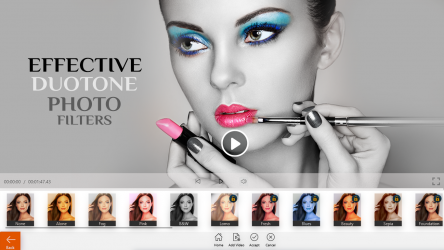
o Apply filters, overlays, and adjustments for enhanced looks.
o Add stickers and text with customizable fonts and colors.
o Save in multiple formats including JPG, PNG, BMP, GIF, MP4, and PDF.
4. Extract Audio (MP3)
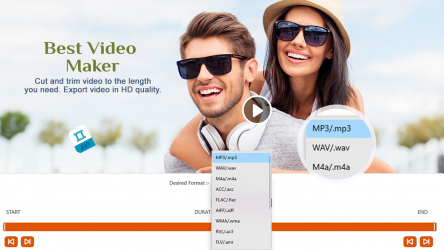
o Extract high-quality audio from any video.
o Save as MP3 for music, podcasts, or ringtones.
5. Rotate Video
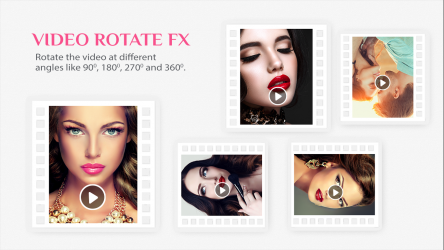
o Rotate videos in any direction with a single click.
6. Trim Video
o Cut and save only the parts you want.
o Set precise start and end points.
7. Add Music
o Import or select tracks to add background music.
o Sync music with your video effortlessly.
8. Blur Video
o Apply blur effects to highlight or hide areas of your video.
9. Merge Video
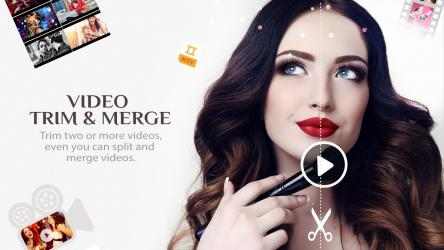
o Combine multiple video clips into one seamless video.
o Apply transitions, filters, and audio while merging.
10. Mute Video
o Remove original audio from videos instantly.
Why Choose Video Maker – VideoShow?
• Easy-to-use interface for both beginners and advanced users.
• Multiple editing options for videos, photos, and slideshows.
• Supports a wide range of output formats.
• Perfect for creating content for social media, events, and personal memories.
Great tool which is also equipped with a variety of transition effects as well as split, trim and merge features and many more to discover.
Contact us:
Tutorial: https://www.videopixstore.com/video-maker-videoshow-tutorial/
Web: https://www.videopixstore.com/
Facebook: https://www.facebook.com/videopixstore
Twitter: @VideoPixStore
Instagram: https://www.instagram.com/videopix/
Email: videopixstore@gmail.com
Download the app today!
Your feedback is welcome and appreciated, if you think we are missing any feature, please email us and we will try to implement it in the next update.
Video Maker - VideoShow is a fun and addictive puzzle game! Video Maker - VideoShow Cond Bold Italic. Download the Video Maker - VideoShow APP.
Video Maker - VideoShow Free Shakira Ringtone App... With Video Maker - VideoShow you can:.
- Set custom finishes on clip cutout parts
- Split, trim and copy video clips together into a few different fragments and also able to merge a different video into it
** ROTATE VIDEO: Rotate any video to 90/180/270/360 degrees. Adjust the number of blur and even make video in a 3D frame. Apply funds too.
- Add pre-installed song clips for easy attachments
** NUDE VIDEO: Adjust the blur inclusive for Radius X and Radius Y.
giant instrument that is also equipped with a variety of transition finishes, as well as split, trim and merge functions, and excessive more to discover.