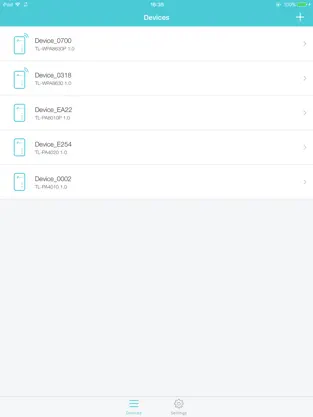
TP-Link tpPLC app lets you conveniently view and manage your TP-Link powerline devices via your smart device.
Simply connect your smart device to the Wi-Fi network of a compatible TP-Link powerline extender and start managing with ease. It will list all the compatible powerline adapters and powerline extenders in your current network, and allow you to manage your powerline devices individually as well as the whole powerline network with a few taps.
Features
• Display information of all compatible powerline devices in the current network.
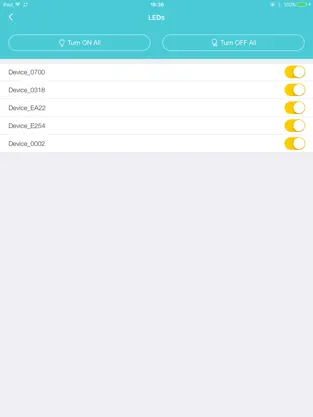
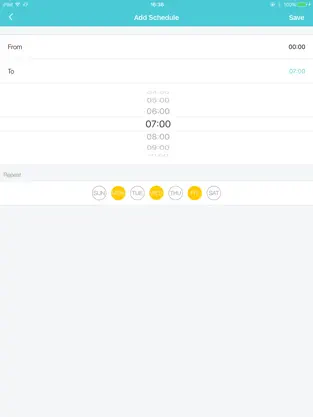
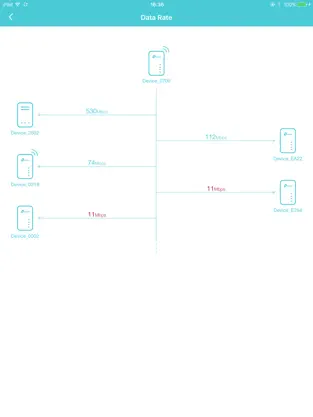
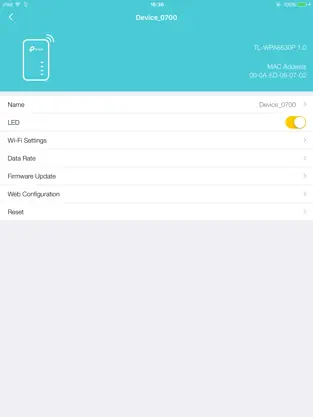
• Manage a powerline device such as changing its device name, turning on or off its LEDs, viewing its data rate, resetting to factory defaults, and removing it from the current network. For a powerline extender, you can also change and schedule its Wi-Fi settings, and redirect to the web management interface.
• Manage the whole powerline network such as adding a new powerline device, setting a new powerline network name, and turning on or off the LEDs on all the powerline devices in the network.
Compatible Devices:
https://www.tp-link.com/powerline/compatible-devices/
Privacy Policy & Terms of Use
https://privacy.tp-link.com/app/tpPLC/privacy
unique functionalities of tpPLC:. That is why more than
907 people have downloaded this software at Downloads.com Keep supporting
Tp link and download its programs here quickly.
Tp link has done it again! El mensaje de Isabel Molina If I move the 2 devices to onesame outlet spot, it works as expected and yeah... give it local network access
tpPLC Cond Bold Italic. tpPLC: the best music app...