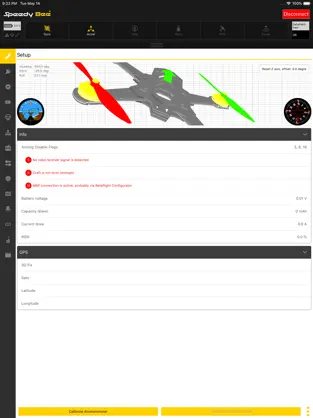
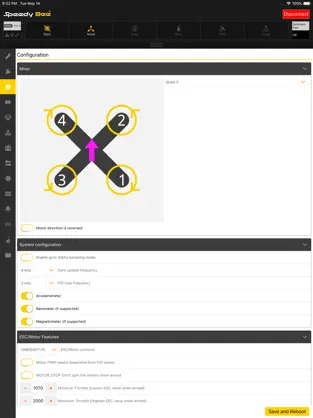
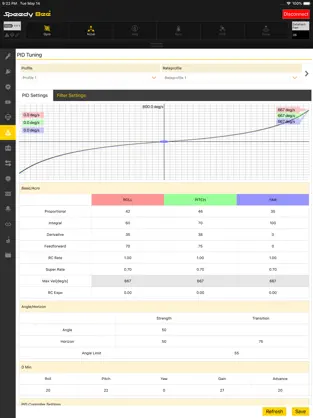
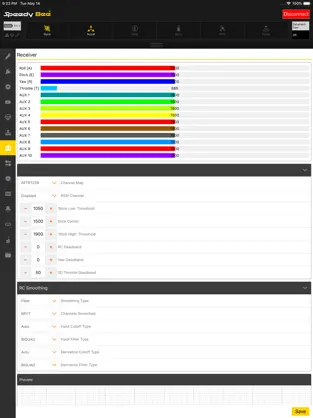
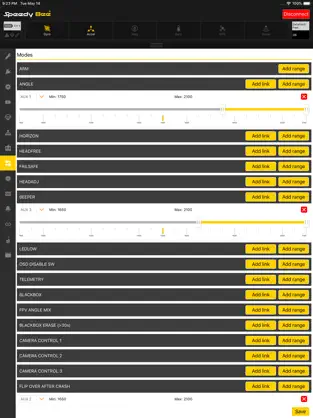
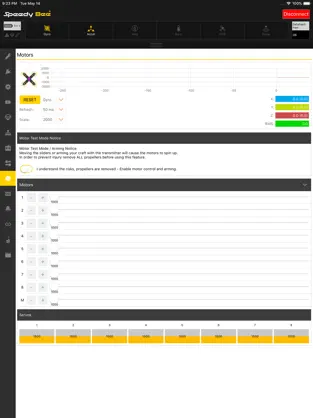
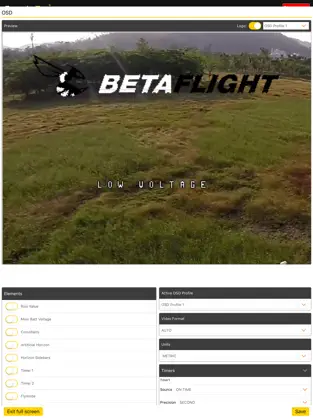
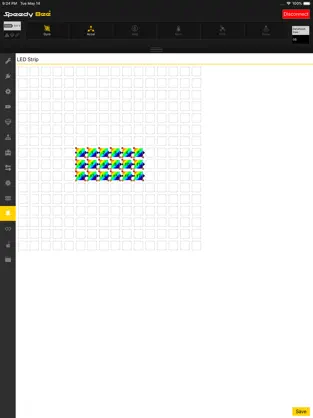
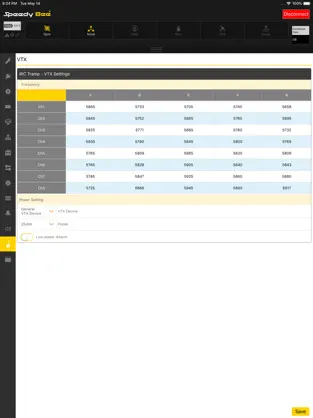
SpeedyBee is an Appllication for Flight controller parameters settings.
Communication between mobile devices and flight control boards can be achieved through Bluetooth, you can use mobile devices to set the parameters of the flight controller.Any Bluetooth module compatible with your mobile device can be used, but if using the SpeedyBee Bluetooth-UART Adapter, this Bluetooth module will deactivate and activate automatically according to the status of the drone(armed/disarmed), no Bluetooth signal interference during the flight.
Flight Controller Requirements:
Betaflight firmware version ≥ 3.1.0
iNav FC version ≥ 1.8.1
Butterflight firmware version ≥ 3.1.0
System Requirements : iOS 13.0+
Instructions for use:
1.Connect the Bluetooth PCB with the UART interface of the Flight Controller, or use the flight controller integrated Bluetooth.
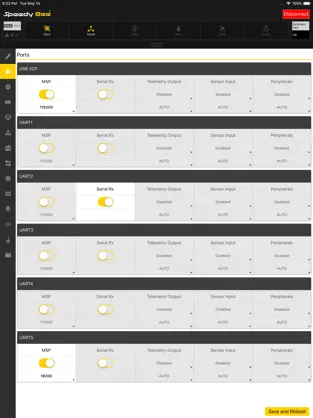
2.Open the Betaflight Configurator, on the Ports tab, open the Configuration/MSP port of the Bluetooth PCB, for the Bluettooth module of BLE4.0, 19200 is the recommended baud rate value.
3.Open the APP, connect the Flight Controller via Bluetooth, and you can adjust the parameters now.
Talk to the SpeedyBee App. There are tons of apps of this style on
Iphone , but we have chosen
SpeedyBee App as one of our favorites without a doubt. SpeedyBee App's Official App ... El mensaje de Erik Trujillo I plug it in to the flight controller, not working currently with inav 7 adn also i’ve had this for many years love the idea,
Descargar SpeedyBee App... No tutorial is required to start using
SpeedyBee App .