-
Downloads
-
Windows
-
Photos and videos
-
Slideshow Music Video Maker - Photo Video Slideshow
Slideshow Music Video Maker - Photo Video Slideshow
Turn your photos and videos into stunning slideshows with Slideshow Music Video Maker. Add music, transitions, filters, and effects to create videos that stand out. Whether you’re making a birthday surprise, a travel diary, or a quick social media story, this app gives you everything you need in one place.
Tutorial Link - https://picperfectstore.com/slideshow-music-video-maker-photo-video-slideshow-tutorial/
Features :-
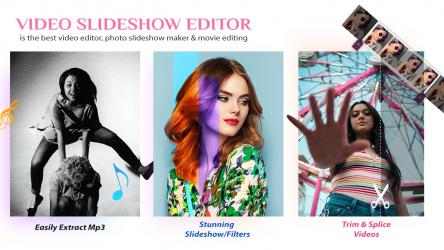
1. Slideshow Maker
• Select multiple photos and video clips to build your slideshow.
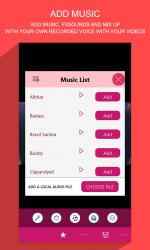
• Add background music or upload your own audio file.
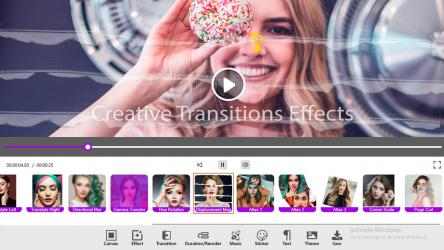
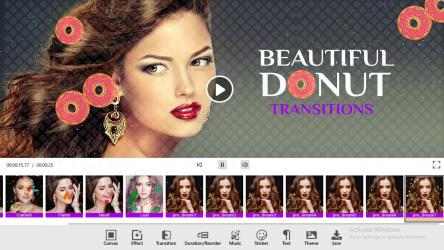
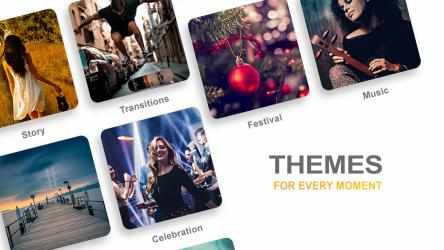
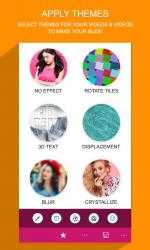
• Choose from a variety of transitions and themes.
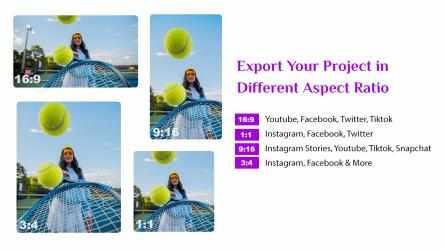
• Adjust photo duration, aspect ratio, and canvas size for any social media platform.
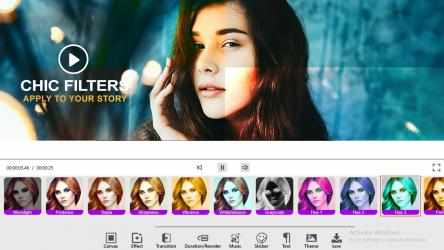
• Personalize with filters, stickers, text, and overlays.
• Save your slideshow in high quality and share instantly.
2. Video Trimmer
• Trim your video clips with precision.
• Select format and resolution before saving.
• Remove unwanted parts to keep only the best moments.
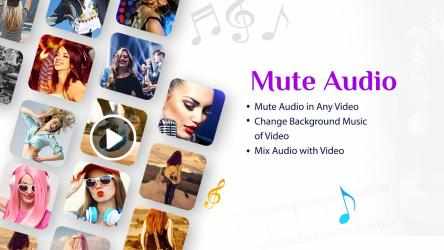
3. Mute Video
• Instantly mute any video in just one click.
• Keep visuals without background noise.
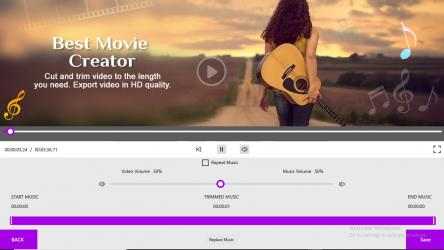
4. Add Music to Video
• Add background tracks or your own audio files.
• Trim, adjust, or replace audio with ease.
• Control original video sound alongside added music.
• Save your new creation and share on social platforms.
Why Use Slideshow Music Video Maker?
• Simple and easy-to-use editor for beginners.
• Professional tools for transitions, filters, and effects.
• Perfect for creating personal videos, event highlights, or social media content.
Easily save and share these videos on any social networking platforms.
Reach us:
Tutorial: https://picperfectstore.com/slideshow-music-video-maker-photo-video-slideshow-tutorial/
Web: https://picperfectstore.com/
Instagram: https://www.instagram.com/pictureperfectapps/
Facebook: https://www.facebook.com/IMPicturePerfectApps/
Twitter: https://twitter.com/picperfectapps
Email: pictoolsstudio@hotmail.com
SUBSCRIPTION (IN-APP PURCHASES):
You can subscribe to premium features by choosing from the following plans:
– Monthly
– 6 Months
– 12 Months/Yearly
– Lifetime (One Time Purchase)
AVAILABLE PREMIUM FEATURES INCLUDE:
- Filters, Transitions, Themes and ads free version. This will be a growing premium features pack and will receive new content in future updates.
The subscription automatically renews and is charged to your Microsoft account unless auto-renewal is turned off at least 24 hours before the end of the current period.
Payment will be charged to your Microsoft account at the confirmation of purchase. Prorating is unavailable – when you turn off auto-renew, service will continue until the end of that billing period.
If your subscription expires, premium Filters, Transitions, Themes will be locked again. Additionally, ads will reappear.
More than
981 downloads ensure that
Picture perfect apps has placed
Slideshow Music Video Maker - Photo Video Slideshow in the top of
Photos and videos apps. unique functionalities of Slideshow Music Video Maker - Photo Video Slideshow:. Enjoy Slideshow Music Video Maker - Photo Video Slideshow...
Congratulations, you have found the
Slideshow Music Video Maker - Photo Video Slideshow app, one of the best and most downloaded on this website. Connect with Slideshow Music Video Maker - Photo Video Slideshow efficiently and transparently...
email: pictoolsstudio@hotmail.com
+ several certain extra finishes are also vacant so you have the option to apply them
+ Simple and obvious gestures to use. Very intuitive and fast
+ Set video acceleration as fast/slow as you like
Facebook: https://www.facebook.com/IMPicturePerfectApps/
+ The most wonderful excellent decent collection of free stickers
+ Add default song and song according to your video theme playing
Contact us:
Video Slideshow Editor is the leading advanced video editing program, picture illustration slideshow maker and movie editing app. Slideshow movie maker is one of the outstanding tools for transitioning your added screenshots and videos.