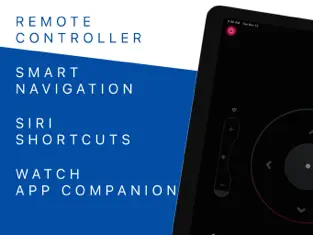
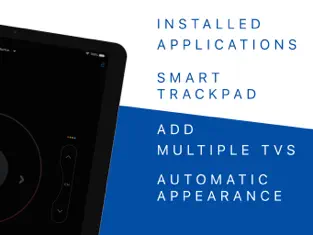
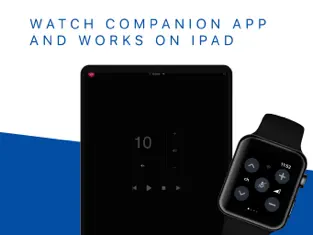
Tired of searching for the remote control that's always hiding somewhere in the house? We’ve got the solution! Remote TV Controller allows you to control your TV using your iPhone, iPad, or even your brand new Apple Watch.
This app is thoughtfully designed with ergonomic features, making it the first app that lets you control your TV seamlessly through your Apple Watch.
Supported Devices:
Our app works with most Smart TVs from 2015 onward, including the latest N Series (2024).
Key Features:
- Compatibility with the majority of Smart TVs
- Turn your TV on and off
- Change channels
- Adjust the volume (including using the iPhone side buttons and the Apple Watch crown)
- Mute the sound
- Switch input sources (HDMI, PC, AV, etc.)
- Access Smart TV features
- Program up to 4 favorite buttons
- Enter channel numbers with a numeric keypad
- Quick launch for apps like Netflix
- Siri Shortcuts to control your TV with voice commands
We’ve included all the most essential features for everyday use, and more will be added in future updates.
If you enjoy the app, please leave us a review—your feedback is always appreciated.
Disclaimer:
This app is not an official Samsung application. We are not affiliated with Samsung Electronics in any way.
Privacy Policy: https://quanticapps.com/remote-tv/privacy
Terms of Use: https://quanticapps.com/remote-tv/terms
Remote TV Control for Samsung functional properties:. Welcome to Remote TV Control for Samsung! After a while without new developments,
Quanticapps ltd has launched Remote TV Control for Samsung to the stores, an app that in its
Iphone version more than does its job. Como opina Petra Mora Does nothing but open the app, widget display options are minimized to a power button plus everything is as usual on all devices not running 18
Welcome to the Remote TV Control for Samsung app! Connect with Remote TV Control for Samsung efficiently and transparently...