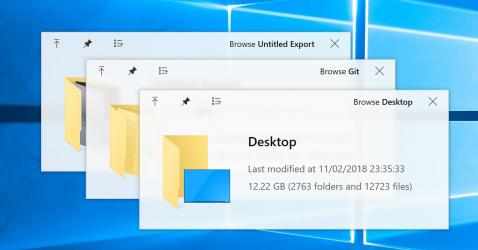
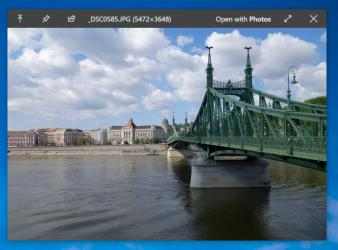
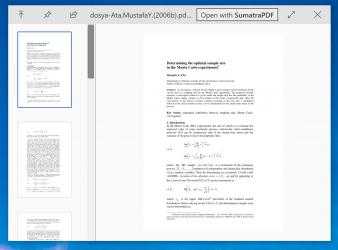
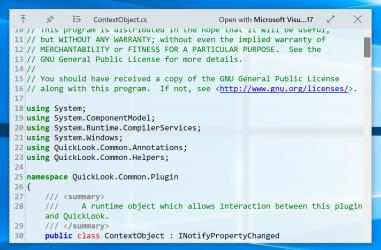
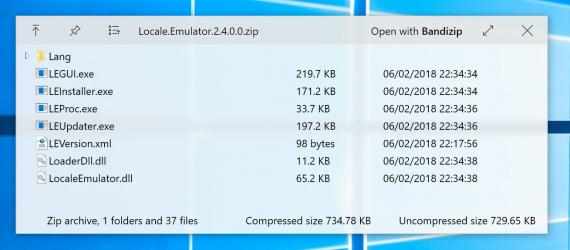
QuickLook enables a very quick preview of file contents by pressing the Spacebar.
Note: This app does NOT work on Windows 10 S devices.
Support Keys:
Spacebar: Preview / Close Preview
Esc: Close Preview
Enter: Run & Close Preview
Ctrl+Mouse Wheel: Zoom Images/Documents
Mouse Wheel: Adjust Volume
QuickLook is a. At the same time, it adds that it does not consume many resources, so it can be installed in almost any
Windows . Welcome to the QuickLook app! El mensaje de Adam Montero This app is great I install it wherever I can, recommended however it can view a large number of formats
In the
Productivity category, QuickLook performs very well, with more than
1 195 downloads, it is one of the most viewed applications on our website Downloads.com.
QuickLook is at the top of downloads in its
Productivity category for
Windows devices.
Enter: Run and close preview
Ctrl + Mouse wheel: enlarge photos captures / files
Support keys:
Esc: Close preview
QuickLook enables a very fast on-the-fly preview of the file content by pressing the space bar.
Note: This software does NOT work on devices with OS Windows 10 S.
Space bar: Preview / Close preview
Mouse wheel: adjust volume