-
Downloads
-
Windows
-
Company
-
Project Plan 365
Project Plan 365
Ultimate Microsoft Project Alternative! The only solution that enables you to edit and save native Microsoft Project MPP files directly, thereby eliminating the need for any data import or export. Experience seamless compatibility, an intuitive UI, and powerful features.
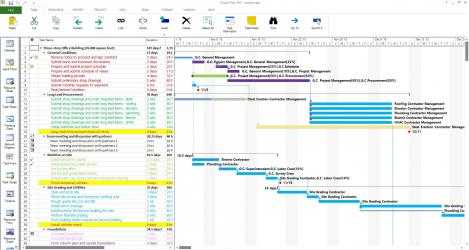
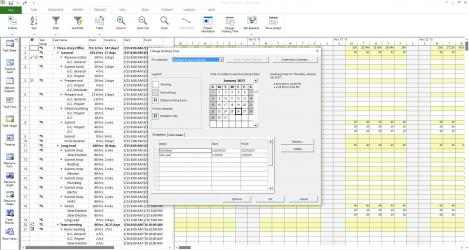
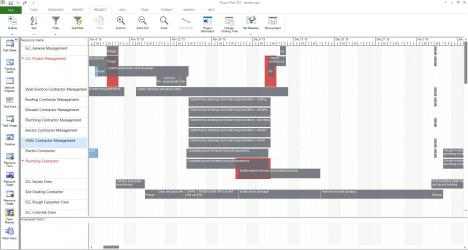
Project Plan 365 looks and feels exactly like MS Project. Consider our app an extension of MS Project designed for all platforms. It offers an intuitive approach to project planning and collaboration, making it ideal for individual Project Managers and small teams in fast-paced environments, even when spread across diverse geographic locations.
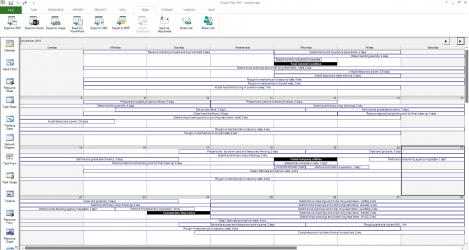
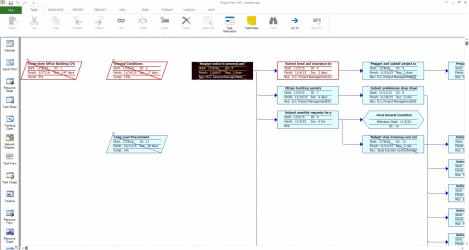
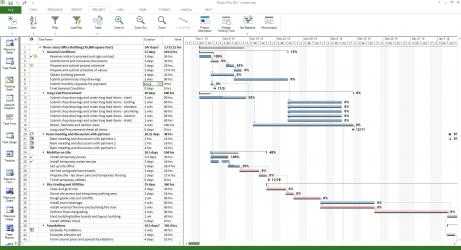
Supporting all standard MS Project views, you can easily access the Gantt Chart, Task Sheet, Network Diagram, Project Calendar, Task Usage, Resource Usage, Team Planner, and more.
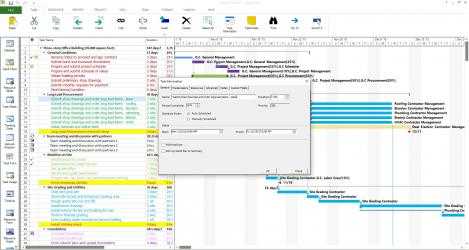
Project Plan 365 provides critical path info and all standard project reports, filters, time scale and other like MS Project sophisticated features.
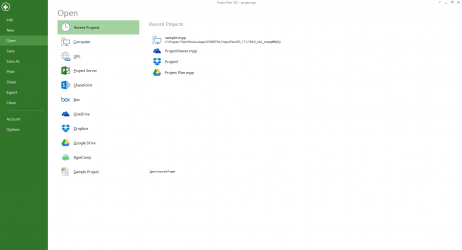
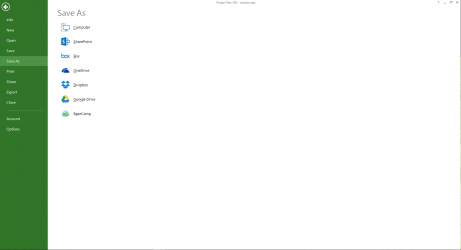
You can open, view and save MPP files from any cloud storage location like Dropbox, OneDrive, Google Drive, Box, and SharePoint Online or from your local device
Project Plan 365 is compatible with Microsoft Project (MPP file format) 2024, 2021, 2019, 2016, 2013, 2010, 2007, 2003 and earlier versions. The interface is intuitive making Project Plan simple for the end users.
Create new Gantt Charts in MS Project MPP compatible formats or modify existing project schedules in the same intuitive way as Microsoft Project. Save and share your plans (MPP files) from any storage or cloud location on any device. Works with, or as an alternative to Microsoft Project.
Try Project Plan 365 with full functionalities free for 1 month!
Project Plan 365 subscriptions are offered on a yearly (1 year) basis for a price of $129.99 USD per year for the Standard Subscription and $199.99 USD per year for the Business Subscription. Both subscriptions work on any supported platform and devices running on Windows, macOS, iOS, Android and Web browsers. Purchase Project Plan 365 subscription once, use on all supported devices and platforms.
The Standard Subscription offers ways to schedule project tasks, assign resources and other basic project management features. This is the best option for basic planning needs. The Standard subscription is required in order to save mpp projects.
The Business Subscription unlocks all the Standard functionalities together with more powerful planning features: master and subprojects, risk management, visual reports, resource leveling and much more. This is the best option for any Advanced Project Manager.
Latest version of
Project Plan 365 program for
Windows devices. Project Plan 365 song 2021 ... Project Plan 365...
Project Plan 365 , with more than
1 123 downloads, is a program widely used by people all over the world. Project Plan 365's Official App ...
in-app alternative: create new/edit and save as mpp file be
The Project Plan 365 subscription is provided annually (1 year) for a price of $129.99 USD per year and works on any supported platform and devices running Windows, macOS, iOS, Google OS, and web browsers. Buy Project Plan 365 subscription once, use it on all supported devices and operating systems.
Project Plan 365 looks and feels exactly like MS Project.
Project Plan 365 displays critical path info and all the standard project reports, filters, moment scale, and other sophisticated features of MS Project.