-
Downloads
-
Windows
-
Photos and videos
-
Pencil Sketch Master
Pencil Sketch Master
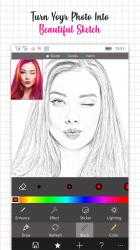
Unleash your creativity with Pencil Sketch Master, the all-in-one sketching and art creation tool for Windows. Turn your photos into detailed pencil sketches, artistic paintings, or anime-style creations in just a few clicks. Designed for both beginners and professionals, this app offers everything you need to explore your inner artist.
With three powerful modes — Sketch Effect, Anime Maker, and Artistic Effect — Pencil Sketch Master brings your imagination to life. Choose from unique effects, filters, stickers, and customizable text to make each creation stand out.
Enjoy precision editing with tools to adjust brightness, contrast, saturation, sharpness, exposure, and more. Add your personal touch with doodles, frames, quotes, or even create your own anime characters using an intuitive design studio.
The app also supports live camera capture, multiple export formats (PNG, JPG, BMP, GIF, PDF, MP4), and seamless social sharing — making it easy to showcase your art anywhere.
Key Features
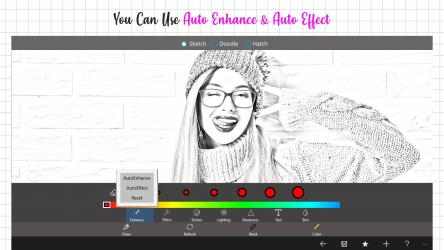
• Transform photos into pencil sketches instantly
• Three creative modes — Sketch Effect, Anime Maker, and Artistic Effect
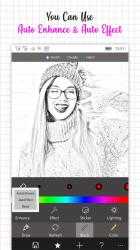
• Advanced editing tools for filters, lighting, and adjustments
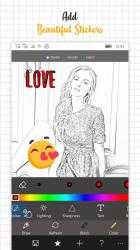
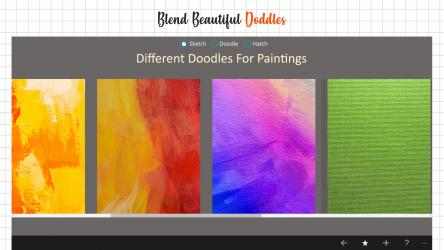
• Add stickers, frames, text, quotes, and doodles to personalize your artwork
• Create custom anime avatars with flexible styling options
• Multiple export formats: PNG, JPG, BMP, GIF, PDF, and MP4
• Live camera support for real-time sketching
• User-friendly interface designed for all skill levels
How It Works
Sketch Effect:
1. Choose an image and crop it as needed.
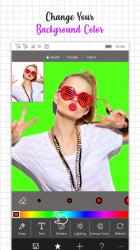
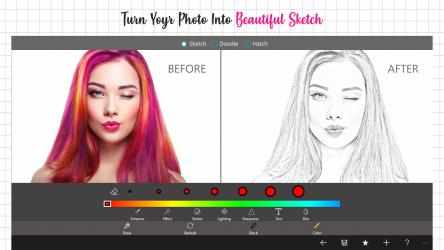
2. Apply sketch, mosaic, and filter effects.
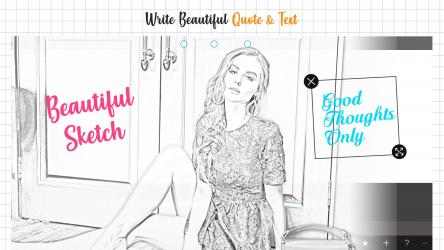
3. Add frames, stickers, text, and quotes for a personal touch.
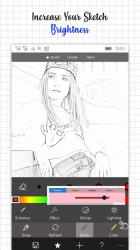
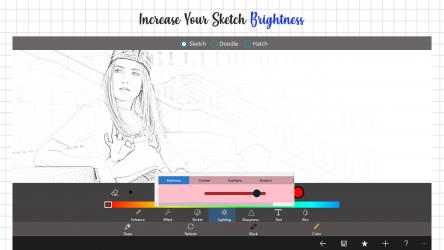
4. Adjust brightness, contrast, and sharpness to perfect your sketch.
5. Save and share your finished artwork.
Anime Maker:
1. Select male or female anime character.
2. Customize body shape, eyes, eyebrows, hair, and outfit.
3. Add accessories like blush, horns, or sunglasses.
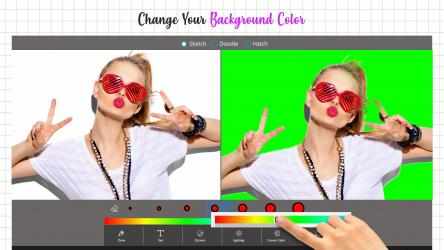
4. Choose a background and finalize your design.
5. Save your anime creation in your preferred format.
Artistic Effect:
1. Select an image and apply painting or artistic filters.
2. Add stickers, quotes, or text to enhance your artwork.
3. Adjust color balance, contrast, and brightness.
4. Save your final art piece in your chosen format.
Find us:
Web: https://queenloftapps.com
Facebook: https://www.facebook.com/queenloftapps
Instagram: https://www.instagram.com/queenloft/
Twitter: @queenloftapps
Email: pinnaclebell@hotmail.com
Tutorial: https://queenloftapps.com/pencil-sketch-master-tutorial/
That is why more than
910 people have downloaded this software on Downloads.com One of its strong points is its configuration options that will make it easier to use.
Queenloft has managed to position
Pencil Sketch Master as a reference in
Photos and videos achieving more than
910 downloads in a short time. Subscribe to Pencil Sketch Master to watch your favorite leagues live.
The advantage that
Pencil Sketch Master presents us with over other competing programs is, without a doubt, its speed.
Pencil Sketch Master , with more than
910 downloads, is a program widely used by people all over the world.