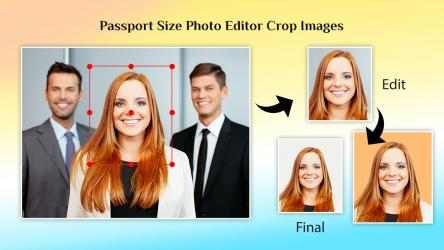
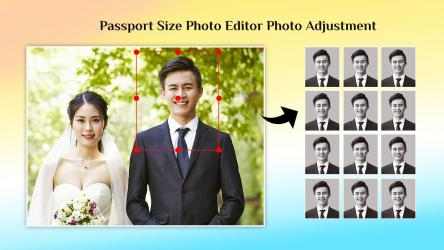
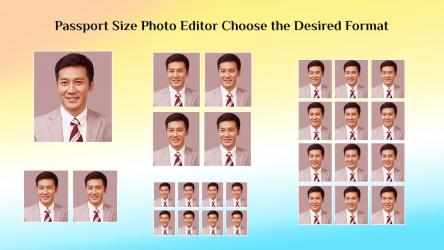
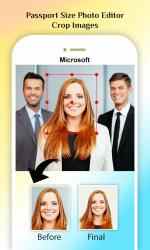
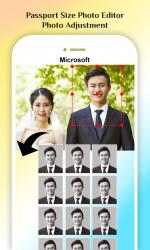
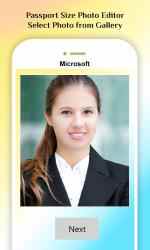
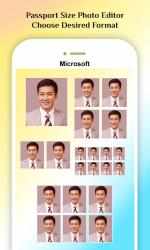
Design ideal passport size photos using this ultimate tool by eliminating all the digital photography requirements.
Tutorial: https://queenloftapps.com/passport-id-photo-maker-studio-tutorial/
Use the image for multiple purposes such as passport, driving license, visa and many more.
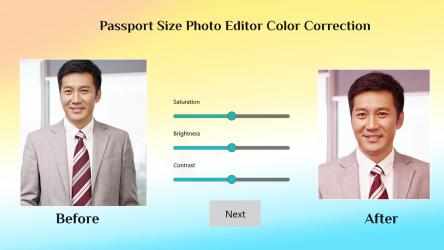
Optimized with multiple functionalities, editor and passport image maker for applying filters and effects to customize your image in simplistic form.
Key Features:
• Updated listing of more than100+ countries passport photo sizes
• Light and stable application
• Save and Share on social media such as Facebook, Twitter, Instagram and LinkedIn
• Adjustable rotation and flipping of the image
• Polished design and easy to use features
• Select from multiple custom format such as JPEG, BMP, GIF and PNG to save
• Transform image using integrated filters for enhancing your image
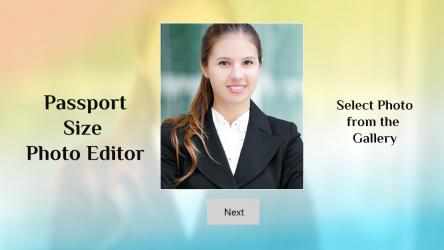
Simply select any image from your device’s gallery and personalize your image according to your requirement for making a passport size image. Supports Universal Windows Platform which delivers stunning performance and superb responsiveness in your windows device such as pc and laptops.
Stay connected with family and friends everywhere by sharing your images online and make your pictures more desirable and unforgettable memory.
Find us:
Web: https://queenloftapps.com
Facebook: https://www.facebook.com/queenloftapps
Instagram: https://www.instagram.com/queenloft/
Twitter: @queenloftapps
Email: pinnaclebell@hotmail.com
How to use: https://queenloftapps.com/passport-id-photo-maker-studio-tutorial/
With Passport ID Photo Maker Studio you can:. Become a modern farmer in Passport ID Photo Maker Studio! Congratulations, you have found the
Passport ID Photo Maker Studio app, one of the best and most downloaded on this website.
Passport ID Photo Maker Studio , one of the apps developed by
Queenloft team for
Windows devices. The best way to shop with Passport ID Photo Maker Studio on Android!...