Meet the brand-new companion app for your Microsoft Wireless Display Adapter.
Personalization
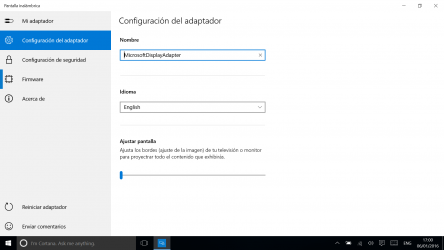
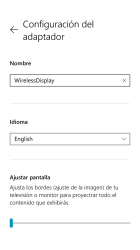
• Name the adapter
• Change the adapter language
• Customize the display wallpaper (new)
• Fit to display
• Options for connecting quickly (new)*
Network
• Connect your adapter to Wi-Fi for better performance (new)*
Update and security
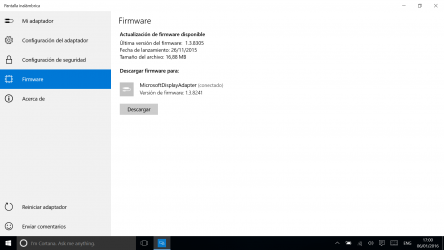
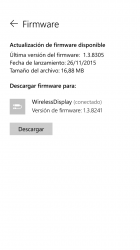
• Update firmware
• Enable HDCP to stream digital copyrighted content (new)*
• Enable PIN when connecting a new device
• Enable password for adapter settings
App features vary per adapter hardware* and Windows edition**.
* Microsoft 4K Wireless Display Adapter only
** Windows 10 desktop
Lots of fun images to choose from, user-friendly design, bright colors and many other features are waiting for you in Pantalla inalámbrica Microsoft. Pantalla inalámbrica Microsoft now Windows Store! All the fighters are waiting for you in [Pantalla inalámbrica Microsoft]! Dice Alonso Salas with continuum it could be used as a touchpad, for presentations and watching videos it goes great, however it is very good
Pantalla inalámbrica Microsoft has an interface that will allow the user to carry out their operations without any complications. That is why more than 1 700 people have downloaded this software at Downloads.com No great knowledge is required to be able to use Pantalla inalámbrica Microsoft .
This app makes it easy to configure and update firmware for the Microsoft Wireless Display.