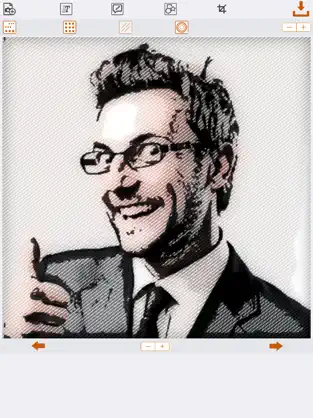
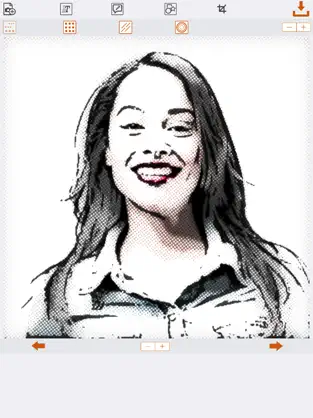
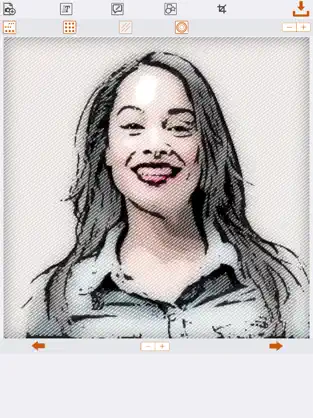
The newspaper comic effect app lets you turn your photo into a newspaper comic drawing. No internet connection is required!
Step 1:
To convert your image to a newspaper comic, simply tap the "Add a Photo". You will be presented with the option of choosing a photo from your photo library or taking a picture with your camera!
Step 2:
Tap the "Apply Comic Effect" button.
Save your newspaper comic to your photo library or share it to Facebook, Twitter, Instagram, Pinterest, Google+, VK or any other social network, forum or site and set the picture as a profile picture, cover photo etc.
As of version 2.2, Newspaper Comic Effect allows you to do a lot more with your photos! The effects are endless because you can mix and combine the features and effects.
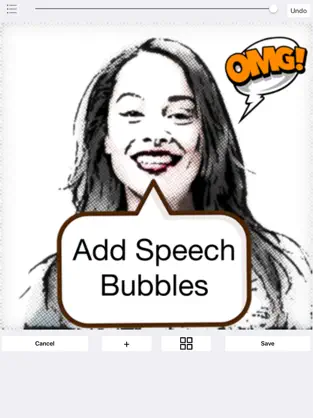
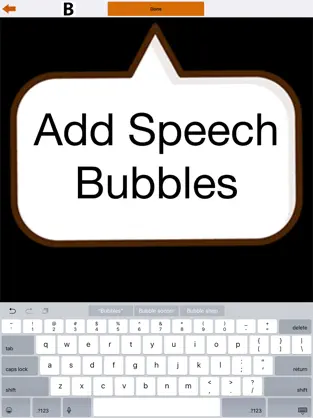
You can now add speech bubbles to your photos before or after turning them into comic! This means you can also turn the speech bubbles into comics for a more realistic effect!
You can also add text to your photos before or after applying the newspaper comic effect! Add the text before applying the comic effect if you want the text to turn into a comic as well!
You can also crop your photos into various shapes. Choose from a circle, flag, heart, star, square or rectangle.
That is why more than
936 people have downloaded this software on Downloads.com It helps a
Danny pajevic to keep
Newspaper Comic Effect rising in the stores. Mobile application of the Newspaper Comic Effect... Welcome to Newspaper Comic Effect. Dice Pedro Mateos Very quick, quick easy fun but also like this app
That is why more than
936 people have downloaded this software at Downloads.com No great knowledge is required to be able to use
Newspaper Comic Effect . Newspaper Comic Effect 2021...