-
Downloads
-
Iphone
-
Utilities
-
Data Transfer - MobileTrans
Data Transfer - MobileTrans
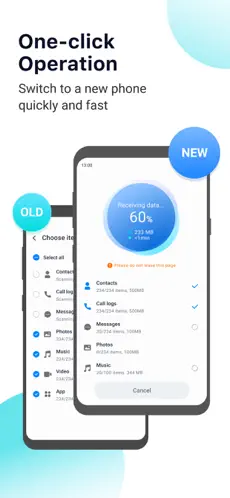
Getting a new phone? Move everything that matters in just a few taps.
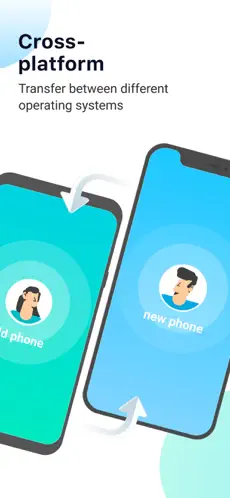
MobileTrans makes switching phones simple, even across different operating systems. Securely move your photos, videos, contacts, files, apps, and WhatsApp chats to your new device without losing important data. Need more than phone-to-phone transfer? MobileTrans also helps you restore data from iCloud, create backups before switching, and move files between your phone and computer.
With the new AI Transfer feature, MobileTrans can identify large files, old files, damaged files, and duplicate contacts before you switch phones, helping you decide what to move first.
Everything You Need for Phone Transfer
● Phone Data Transfer
Switch between different platforms and move your data to a new phone. MobileTrans supports all major data types, including photos, videos, WhatsApp data, audio files, contacts, music, documents, and more. MobileTrans helps you clone apps and move important data.
● WhatsApp Transfer
Move your WhatsApp messages and chats to a new phone securely, including chat history, photos, videos, contacts, stickers, and other attachments. Keep your chat history intact and continue conversations seamlessly on your new device.
● AI Transfer
Know what matters before you transfer. AI Transfer helps identify large files, old files, damaged files, and duplicate contacts on your phone. This makes phone switching more efficient and helps reduce clutter during migration.
● Backup & Restore Messages and Call History
Create a secure backup of your messages and call history. Restore them anytime when switching phones, upgrading devices, or recovering important data.
● iCloud to New Device
Sign in with your Apple ID and restore photos, videos, contacts, documents, and other important data from iCloud directly to your new device.
Why Choose MobileTrans?
● Fast Phone Transfer
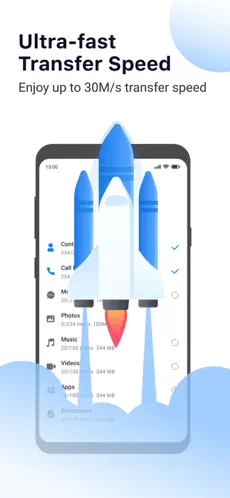
Transfer up to 200× faster than Bluetooth. With an average speed of 30 MB/s, you can move a 1 GB video in about 30 seconds.
● No Mobile Data Required
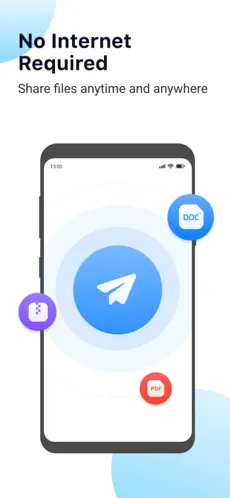
MobileTrans uses a direct local connection between devices, so your mobile data plan won't be used during the transfer.
● QR Code Connection
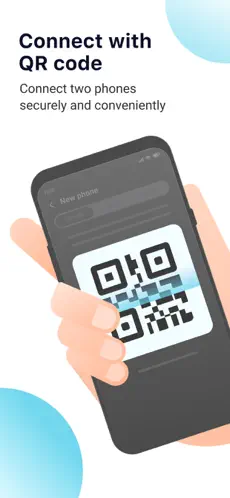
Connect your old and new phones instantly by scanning a QR code. Enjoy a wireless connection with no cables, complicated setup, or computer required. Move data with a quick share experience while keeping security.
● High Privacy & Data Security
Your data stays on your devices throughout the transfer process. MobileTrans does not store or upload your personal information, helping keep your data private and secure.
Subscribe to get unlimited access to all features:
- Phone Transfer
- File Transfer
- Photo Transfer
- WhatsApp Transfer
- Contact & App Transfer
- iCloud Transfer
- Phone-to-PC Transfer
Subscription Terms:
Payment will be charged to your iTunes Account at purchase.
Subscription renews automatically unless auto-renew is turned off at least 24 hours before the end of the current period.
Manage or turn off auto-renew in Account Settings anytime after purchase.
About the Developer-Wondershare
With more than one million users in more than 120 countries and regions around the world, Wondershare is a company dedicated to creative software.
Terms of Use:
https://www.apple.com/legal/internet-services/itunes/dev/stdeula/
Contact: customer_service@wondershare.com
properties properties of MobileTrans:. MobileTrans Bold. Help
Wondershare technology g so that
MobileTrans continues to rise in the positions of the stores. Dice Manuela Moya I did not need much setup, the overall experience felt reliable and also the app supported the content I needed to move most
MobileTrans is an app developed by
Wondershare technology g Iphone based operating systems. There are tons of apps of this style on
Iphone , but we have chosen
MobileTrans as one of our favorites without a doubt.