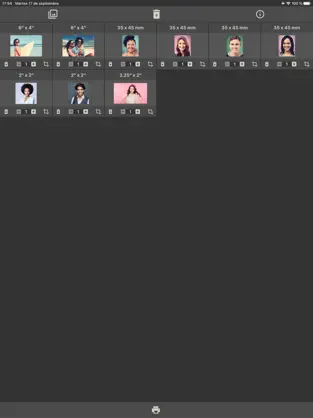
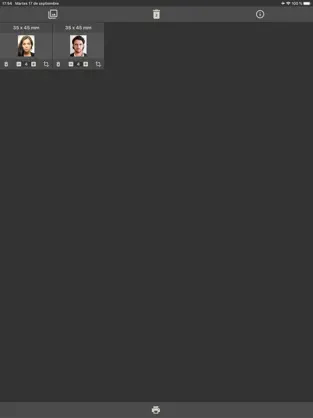
With this app, you can print multiple photos the size you want together on one page.
1. Select the photos you want to print.
2. Set the desired print size for each image (in mm, cm, or inches).
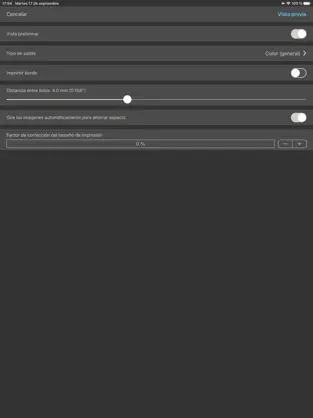
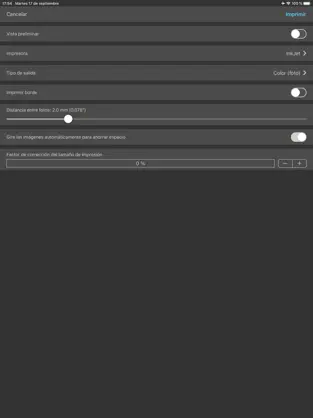
3. Tap the printer icon to open the print settings.
4. Adjust the desired print settings.
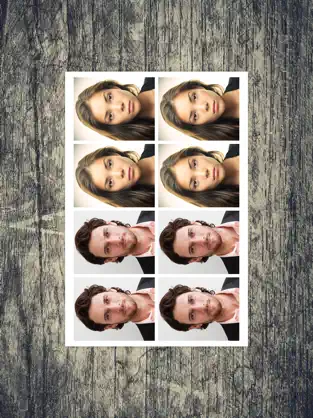
5. Tap "Preview" in the top right to open the print preview.
6. Start the printing process from the preview.
The app takes care of the rest and places the images space-savingly and efficiently on the printing paper.
If not all pictures fit on one sheet, several pages will be printed.
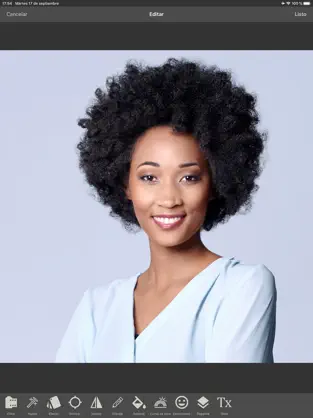
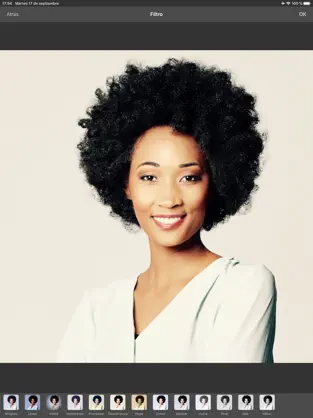
When defining the print size, the current image can be cropped and edited with a powerful image editor.
In the free version, printing is limited to four images. This limitation can be removed as well as advertising via in-app purchases.
Impresión de fotos is a game unlike any other. Impresión de fotos - free ringtone app....
Impresión de fotos has become a very popular program lately, currently having more than
946 downloads on this page. El review de Moises Cordero I love this app and have used it many times, very bottom like toolbars and not onyl that will immediately crash the app
Not only does it offer a system of constant communication between them and
Vitalij schaefer but they are listened to and cared for correctly. Impresión de fotos is a fun and addictive puzzle game!