-
Downloads
-
Windows
-
Navigation and maps
-
GPX viewer and recorder
GPX viewer and recorder
This app is the windows 10 version of "Gps navigator recorder" (more than 300.000 download in one year).
https://www.microsoft.com/en-us/store/apps/gps-navigator-recorder/9nblggh2vvj3
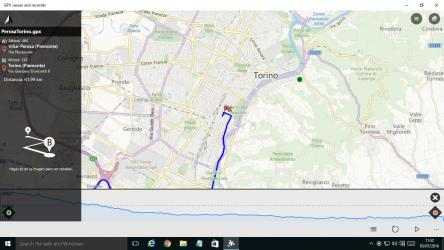
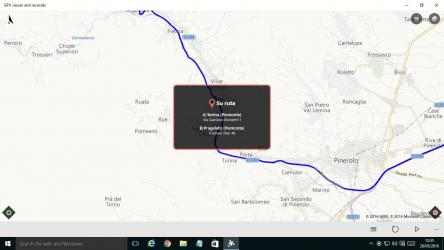
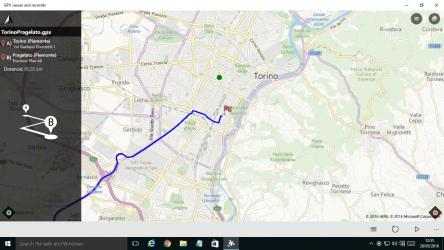
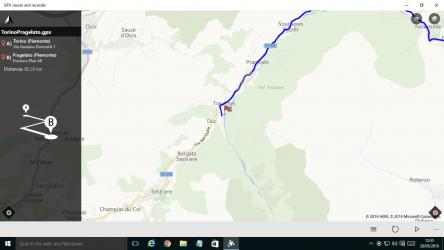
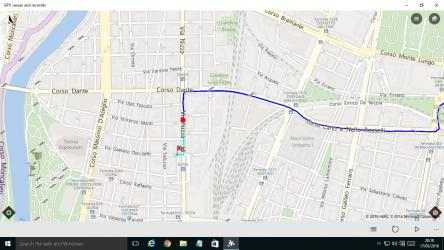
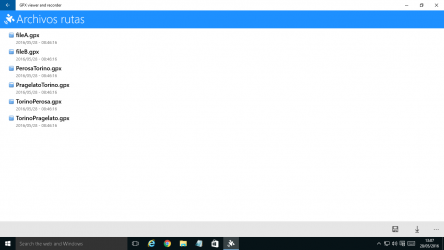
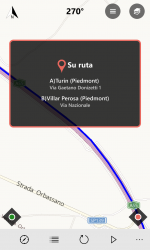
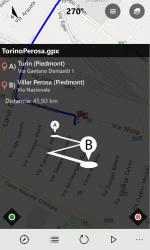
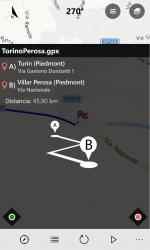
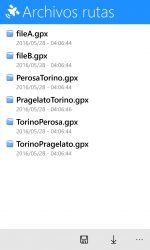
With this app you can view GPX files (routes, tracks, point of interest) on a Windows 10 pc. If you use a smartphone, you can also follow you and draw the route on the map, then save it in the device. THIS WAY YOU CAN RECORD A TRACK THROUGH YOUR SMARTPHONES, AND THEN VIEW IT ON YOUR PC LARGE SCREEN. You can import/export a local file (track route) in the documents folder of the device. You can also view a previously recorded GPX file or create a new one.
You have four modes of operation.
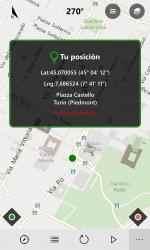
1) The first is a simple compass synchronized with map. You can disable this feature in the settings page "Synchronize map with compass (when follow or play is unactive)". If the option is checked the map rotate with you, otherwise the map is always facing north.
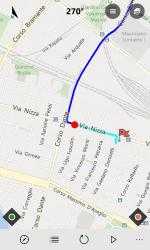
2) Follow me and draw route on the map. In the menu you must click on "Start follow me / Stop follow me". This feature is enabled when the option "Enable track route on map" in the settings menu is checked. When you stop the function clicking on "Stop follow me" , the route will be stored in the device. This way, if you go from point A to point B, you can record the route.
3) Follow me and don't draw route on the map. In the menu you must click on "Start follow me / Stop follow me". This feature is enabled when the option "Enable track route on map" in the settings menu is not checked. When you stop the function clicking on "Stop follow me", the route will not be stored in the device. This way, if you go from point B to point A, you can follow a route on map previously stored and loaded (follow back).
4) Replay route on the map (a route previously stored in step 2). In this way, when you are at home, you can replay a travel. Seeing the params as (course, speed, altitude).
If you are a tourist, this app will be useful to the holidays and leisure time. Or on your travels to discover places or touristic city. Or car tracks gps - cycle tracks gps - running tracks gps ☺
Version 2.0.0.0 - Bug fix
Version 1.7.1.0 - Bug fix
Version 1.7.0.0 - In the page map you have a slider, and through it you can select the position on map. You have also a button to show Panoramio Photo (if it is present). Bug fix
Version 1.6.0.0 - In the page map you have a slider, and through it you can select the position on map. You have also a button to show Google Street View (if it is present). Bug fix
Version 1.5.1.0 - Bug fix
Version 1.5.0.0 - On the map page (if you are on a desktop device), you have also an altitude chart. When you replay a route, you have an indicator of the current altitude. You can enable / disable in the settings page. Bug fix
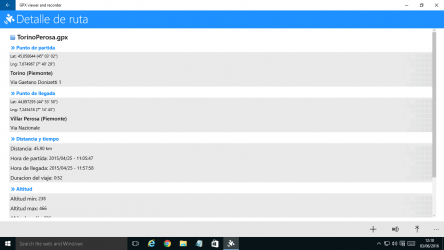
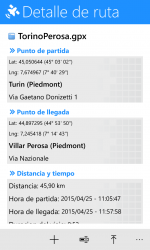
Version 1.4.0.0 - Added altitude charts. In detail page added: elevation gain departure / arrival, elevation gain min / max. In the map page (on desktop device and screen more than 1150px) you can see also some altitude data. Bug fix
Version 1.3.0.0 - Upload a GPX file on STRAVA. Bug fix
Version 1.2.0.0 - Improved support for file "multi-segments". Added maps: OpenStreetMap, OpenCycleMap, HikeBike. Traffic information on map. Added language Spanish and Portuguese. Bug fix
Version 1.1.0.0 - Bug fix
Features
1) .gpx files viewer
2) Gps navigation
3) Track your route on map
4) Follow me on map
5) Replay a route previously stored
6) Save the route in your device
7) Import/export a local file in Documents folder
8) Car tracks gps / Cycle tracks gps / Running tracks gps
9) Motion data
10) Traffic map layer
11) Maps: OpenStreetMap, OpenCycleMap, HikeBike
12) Upload a GPX file on STRAVA
GPX viewer and recorder song 2021 ... Get the beautiful GPX viewer and recorder for your smartphone! GPX viewer and recorders 2020...
Keep supporting
Stefano64 and download their programs quickly here. GPX viewer and recorder Bold Italic.