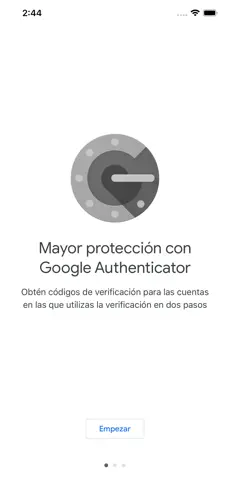
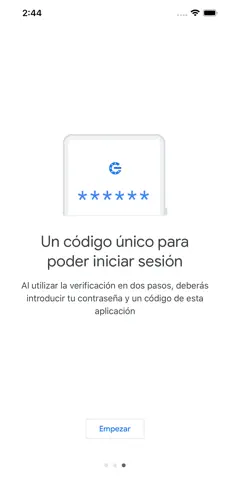
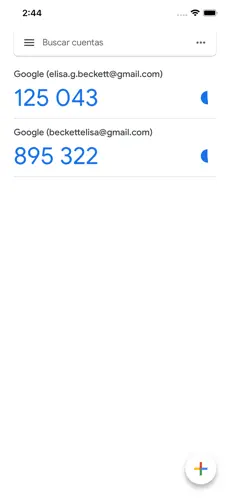
Google Authenticator adds an extra layer of security to your online accounts by adding a second step of verification when you sign in. This means that in addition to your password, you'll also need to enter a code that is generated by the Google Authenticator app on your phone.
The verification code can be generated by the Google Authenticator app on your phone, even if you don't have a network or cellular connection.
• Sync your Authenticator codes to your Google Account and across your devices. This way, you can always access them even if you lose your phone.
• Set up your Authenticator accounts automatically with a QR code. This is quick and easy, and it helps to ensure that your codes are set up correctly.
• Support for multiple accounts. You can use the Authenticator app to manage multiple accounts, so you don't have to switch between apps every time you need to sign in.
• Support for time-based and counter-based code generation. You can choose the type of code generation that best suits your needs.
• Transfer accounts between devices with a QR code. This is a convenient way to move your accounts to a new device.
To use Google Authenticator with Google, you need to enable 2-Step Verification on your Google Account. To get started visit http://www.google.com/2step
Don't hesitate to download
Google Authenticator for
Iphone if what you're looking for in Downloads.com is the best of
Utilities Google Authenticator is, with more than
980 downloads and on its own merits, one of the most interesting applications at the moment. Official application of Google Authenticator... Play new song Google Authenticator... Dice Cristina Cortes Google auth the goat and it works like intended, really simple to use, and teh i love the ease
With the use of
Google Authenticator it becomes easier to use and even improves productivity immensely. All the fighters are waiting for you in [Google Authenticator]!