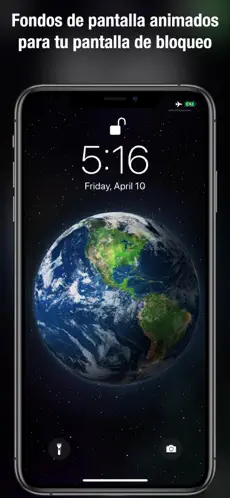
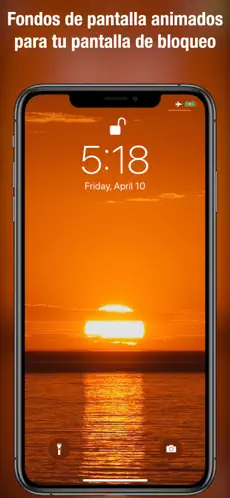
Bring Your iPhone to Life! Hundreds of Stunning Live Wallpapers! Transform your Lock Screen with mesmerizing motion wallpapers designed for all iPhones.
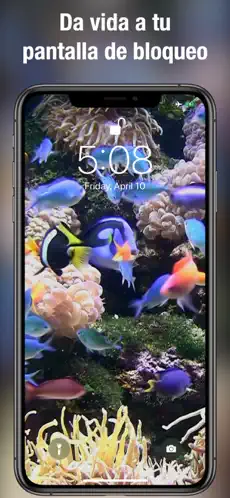
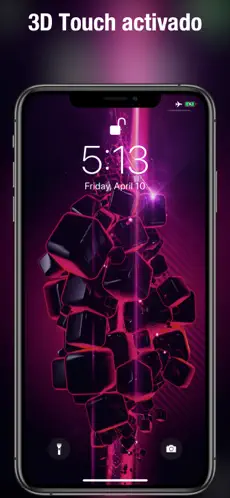
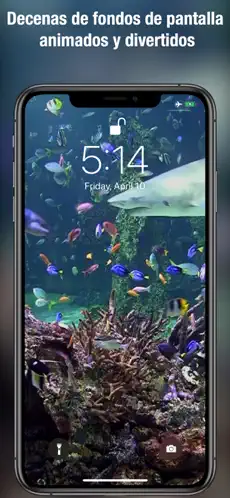
Dive into a vast collection of live wallpapers that suit every mood and style. From festive Christmas trees and vibrant aquariums to serene beaches, coral reefs with sharks, and dynamic geometric patterns, there's something for everyone!
How to Set Your Live Wallpaper:
- Explore: Swipe through hundreds of breathtaking Live Wallpapers.
- Animate: Touch the photo to see the full animation.
- Save: Press the save button to keep your favorites in your Camera Roll.
- Set: Use the action button to set your Live Wallpaper for the Lock Screen.
- Optimize: For the best quality, zoom out slightly as the picture is slightly zoomed in by default.
- Enjoy: Touch your Lock Screen to bring your selected Live Wallpaper to life!
From flickering fireplaces and candle lights to living landscapes and more, our collection ensures your iPhone is always vibrant and dynamic. Download now and make your Lock Screen uniquely yours!
Fondos de pantalla en vivo can be used from any device that meets the requirements. Enjoy playing Funky Game Fondos de pantalla en vivo!... Don't hesitate to download
Fondos de pantalla en vivo for
Iphone if what you're looking for in Downloads.com is the best of
Lifestyle Fondos de pantalla en vivo is, with more than
979 downloads and on its own merits, one of the most interesting applications at the moment. Como nos dijo Oscar Aranda Good appother than when you paid for a year, the #reaperbauman ... only got,3months…still haven’t made it right,still have use of my
Free Download and Install Fondos de pantalla en vivos... More than
979 downloads ensure that
Voros innovation has placed
Fondos de pantalla en vivo in the top of
Lifestyle apps.
Moving backgrounds are finally coming to the iPhone! Choose from 100+ animated wallpapers with beautiful designs. Live wallpapers for the lock screen only work on iPhone iPhone 6s, 7, 8, X, Xs, Xr, Xs Max, 11, 11 Pro and laterThere are wallpapers for everyone, showing everything from Christmas trees, aquariums, coral reefs with sharks, chimneys, sails, beautiful beaches and vivid landscapes to geometric patterns. Navigate horizontally between backgrounds and save the ones you'd like to use to your Camera Roll. From there you just have to follow the same steps as usual to set a photo as your main screen or lock screen wallpaper. How to set a moving background on the lock screen: + Navigate horizontally between moving backgrounds. + Tap the photo to play the entire animation.+ If you like any moving background, tap the Save button to save it to your Photos app Camera Roll.+ To set it as your lock screen moving background, tap the save button. action and select the wallpaper action.+ To enjoy the best quality zoom out on the photo as it has a slight zoom by default.+ Tapping the lock screen will play your moving background.