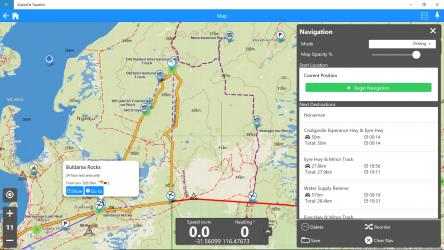
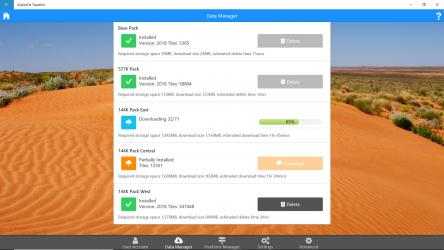
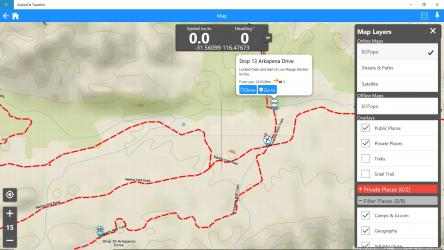
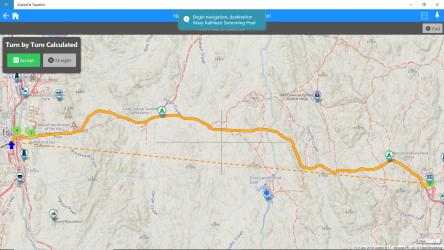
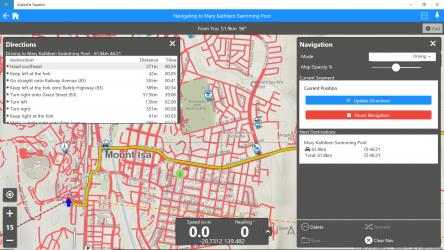
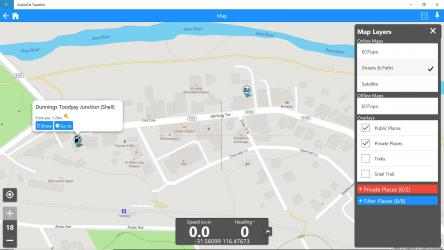
ExplorOz Traveller is the premier app for serious explorers. This all-in-one tool provides access to unparalleled offline maps from Australia’s leading mapping publisher, and a suite of features designed for adventurers seeking offline navigation.
Designed for casual and experienced outdoor enthusiasts, this Australian-made app combines the functionalities of a premium mapping tool with a GPS tracker, trip planner and extensive campsite and point of interest listings with live updates and reviews from other travellers. It's your all-in-one digital guide, perfectly suited for 4WD explorers, off-road adventurers, camping enthusiasts, and travel bugs.
This app is designed for downloading to a laptop/notebook for active navigation and requires external GPS connection for offline operation, so if you've already got the app on a phone or tablet and you're looking to use your desktop PC as a second device for online trip planning you might prefer to look at the benefits of ExplorOz Membership for access to the web-app app instead of this version designed for active navigation.
GPS USAGE
An external GPS is required to show your position on the map as you travel when offline.
To use your GPS with a Windows navigation app, you also require a GPS sensor driver to be installed, such as "GPSComplete" (available separately). You can download and run GPSComplete in evaluation mode. Just follow the program prompts. Ensure you use your Windows Device Manager first to determine which COM Port your GPS is plugged into. Be aware that if you intend to use other GPS programs alongside ExplorOz Traveller (eg. OziExplorer or Memory Map) then you will need to download the GPS Complete Bundle. There are 2 modules "Direct" which connects the GPS to Windows 10 and "Reverse" which then makes another Serial port from the Direct connection, allowing you to connect back to your existing program.
If you wish to use this app for planning whilst at home/work you can use your Wifi for location services instead of an external GPS. Go to Windows Settings - Privacy - Location and select ON. You can also change your default location from the same Windows Settings screen. This is recommended if you need to use the app without Wifi and without a GPS.
TIPS: If your terminal device does not have a connected GPS, the app will use the default location according to Device Settings; go to Windows OS Settings - Privacy - Location to modify this; however, without a GPS, the plane's display will not track/follow the trip.
USING GPS
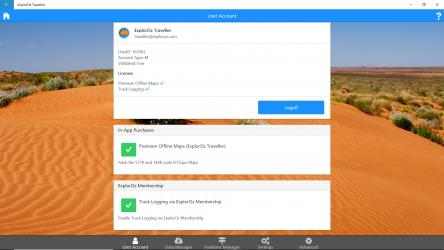
The purchase contains the removal of the ExplorOz Places and Treks referral source with approximately 90,000 POIs and 187 Treks. free versions in the application.
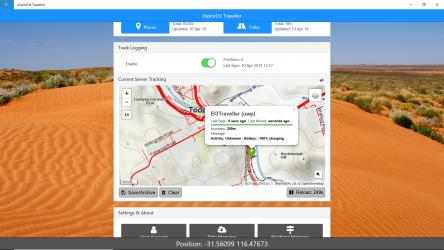
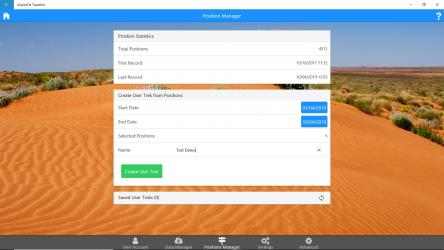
The app will record and store position landmarks while it is running, but to automatically sync these landmarks with your online account for backup or to allow family/buddy contacts to track your excursion on a plane while you are traveling, You are able to purchase a membership subscription that allows you to enable this tracking feature. The cost is only AU$29.95 for a 12-month subscription after installing the app.