Icon descargas.com

AnyDesk Remote Desktop

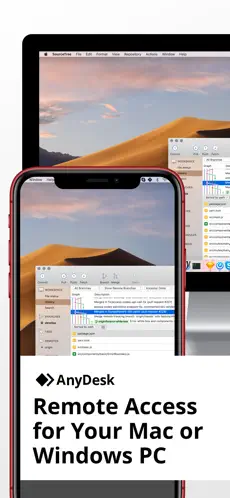
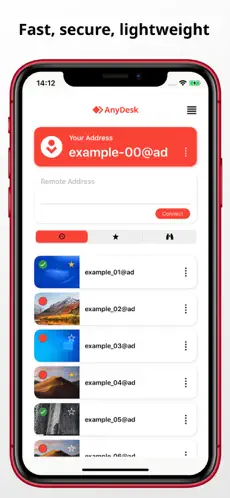
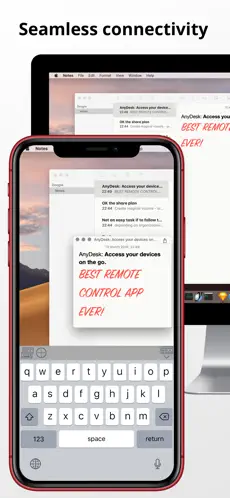
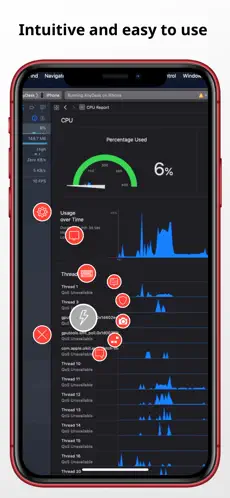
Powerful Remote Assistance Software. Whether you're in the office next door or on the other side of the world, remote access via AnyDesk makes the connection possible. Secure and reliable, for IT professionals as well as private users. AnyDesk is ad-free and free for personal use. Whether you're in IT support, working from home, or a student studying remotely, AnyDesk's remote desktop software has a solution for you, allowing you to connect to remote devices securely and seamlessly. Quick Start Guide 1. Install and launch AnyDesk on both devices. 2. Enter the AnyDesk-ID that is displayed on the remote device. 3. Confirm the access request on the remote device. 4. Done. You can now control the remote device remotely. Why AnyDesk? - Outstanding performance - Banking-standard encryption - High frame rates, low latency - In the Cloud or On-Premises
The official Escritorio remoto AnyDesk app... Escritorio remoto AnyDesk nuevo 2021... unique functionalities of Escritorio remoto AnyDesk:.

No tutorial is required to start using Escritorio remoto AnyDesk . Escritorio remoto AnyDesk is, with more than 950 downloads and on its own merits, one of the most interesting applications of the moment.

Characteristics of AnyDesk Remote Desktop

descargas.com

Your search engine for software and apps downloads

Search and find the best software with opinions and ratings from users like you. Our AI selects and categorizes the list of apps with the highest quality and with real guarantees. In Downloads.com you will find different categories, from games to security software or utilities among others. Comment and rate for other users and help the community to download only those programs that are Top.