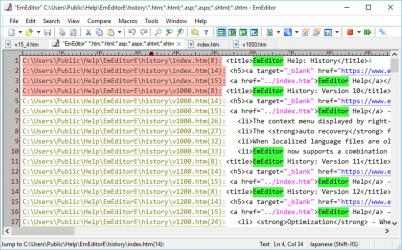
EmEditor is a fast, lightweight, and extensible text editor for Windows that’s also easy to use.
## This is the 32-bit UWP version. If you’re using a 64-bit edition of Windows, we strongly recommend installing one of the following instead:
- EmEditor (64-bit, UWP) https://www.microsoft.com/store/apps/9nblggh537df
- EmEditor (64-bit, Desktop) https://apps.microsoft.com/detail/xp9jzpspcxgjx4
## EmEditor versions
EmEditor comes in two versions:
- EmEditor Professional (annual subscription: $19.99 USD/year) — full feature set
- EmEditor Free (free) — limited features, for personal use only
You can switch between Professional and Free at any time by choosing Help > Upgrade or Help > Downgrade.
## Features available both on EmEditor Professional and EmEditor Free
- Unicode support
- Large File support
- Find/Replace
- Find in Files/Replace in Files
- External tools
- Multiple selections
- Vertical selections
- Bookmarks
- Markers
- Spelling
- Numbering
- Full screen view
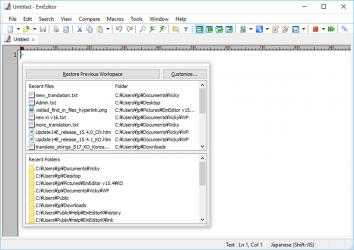
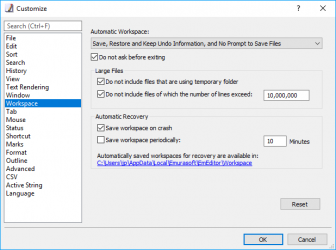
- Workspaces
- Macros (Record and Run only, no scriptable macros)
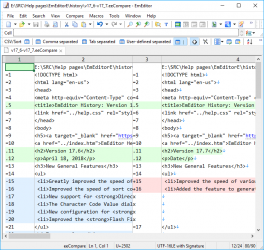
- Compare files (with default options only)
## Features available only on EmEditor Professional
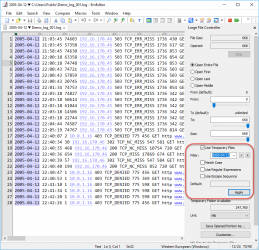
- Large File Controller
- Plug-ins
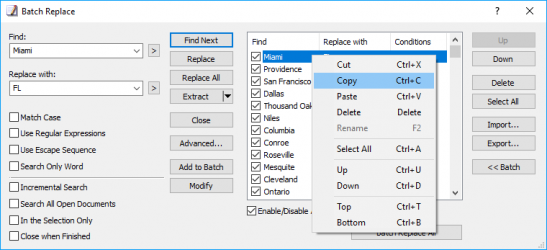
- Batch Find/Replace
- Sort
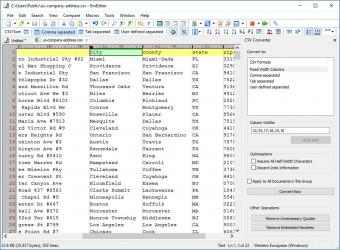
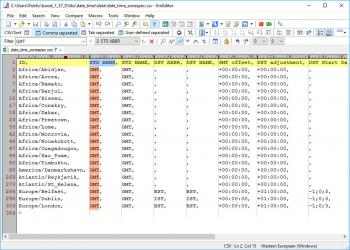
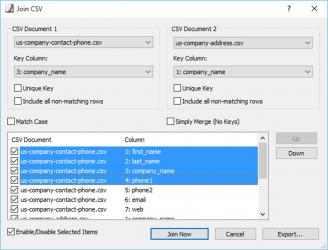
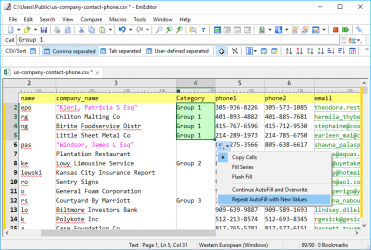
- CSV
- Narrowing
- Keyboard/Menu customization
- Filter
- Delete Duplicate Lines
- Extract Frequent Strings
- Search Symbols
- Syntax Checker
- Advanced Open
- Automatic updates
- Macros (scriptable)
- Compare files (with options)
Please check our company website (EmEditor home page - "Features" - "EmEditor FREE version") for the comparison between different versions.
Notes: The Free version is available at home or at school only for personal use. It may not be used in corporate, government, or other offices.
About Microsoft Store subscriptions and non-store licenses:
- A subscription for this app enables EmEditor Professional features. You can try EmEditor Professional for 30 days after installation. If a subscription is not purchased when this trial period ends, the free version will be available. There is no lifetime license for this store app.
- Subscriptions for this store app are sold separately from licenses for non-store apps, including desktop installer versions and portable versions. Registration keys for Desktop Apps can now be used for Store Apps. However, subscriptions for Store Apps purchased from Microsoft Store (through the Store App versions) cannot be used for Desktop Apps.
- Subscriptions for the 32-bit version and 64 bit version are not interchangeable - a subscription for the 32-bit version cannot be used for the 64-bit version and visa versa.
Advantages of this store app over non-store versions of EmEditor:
- Installation and uninstallation is easier
- Updates are completely automatic
- As a UWP app, no changes are made to system files. Settings are stored inside the app container.
## NOTES
Since the Store version of EmEditor is a UWP (Universal Windows Platform) app running in an app container, it does not support external plugins. Therefore, AI features are unfortunately unavailable in the 32-bit and Store versions of EmEditor.
If you have an
Windows then you can download here
EmEditor text editor (32-bit) , app from the people of
Emurasoft . Connect with EmEditor text editor (32-bit) efficiently and trans... Exclusive application for EmEditor text editor (32-bit) customers ...
EmEditor text editor (32-bit) INCLUDES:. EmEditor text editor (32-bit) 2021...
EmEditor is a fast, lightweight, yet extensible and easy-to-use script editing software for Windows. supports automatic CSV study, powerful macros, Unicode and very large files.
- Installation and uninstallation is simpler
- A subscription to this app enables the functions of EmEditor Professional. You are able to test EmEditor Professional for as long as 30 days after installation. If a subscription is not purchased by the time this trial period ends, the free upgrade will be available. There is no life energy license for this store app.