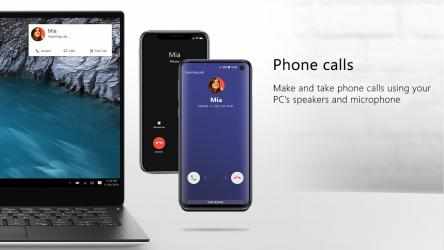
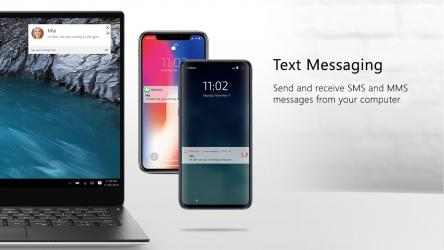
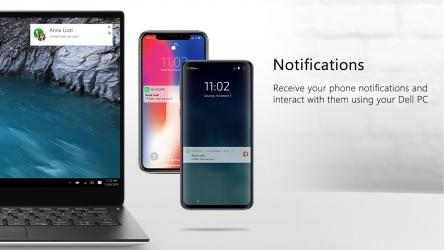
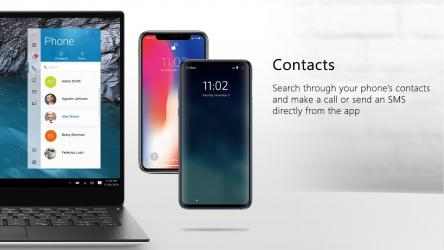
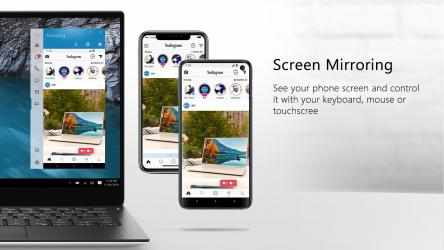
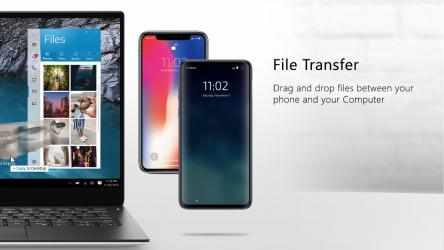
Dell Mobile Connect minimizes distractions by allowing you to make calls, send texts, get notifications, transfer files and control your phone conveniently from your Dell computer. Put your phone away and use it through your computer's screen, touch, mouse or keyboard!
Instructions:
• Download and install the main Dell Mobile Connect application on your Windows 10 Dell PC (if not already installed. available on the Microsoft Store).
• Download the Dell Mobile Connect companion app from either the Android store or the Apple App store.
• Launch Dell Mobile Connect and follow the on-screen prompts. It's that easy!
System Requirements:
• A 2018 or newer Dell system with Windows 10.
• Android 6 and above, iOS 11 and above.
• The Dell Mobile Connect phone app (available on the Android Store and Apple app store).
NOTE: We're continuously adding support for additional Android phones. Upgrade Dell Mobile Connect to get the latest capabilities on your device.
Support:
For installation or other questions, please contact Dell support at www.dell.com/support
Dell Mobile Connect for all of you everywhere... After a while without new developments,
Screenovate technologies has launched Dell Mobile Connect to the stores, an app that in its
Windows version more than does its job. Are you looking for Dell Mobile Connect?
Dell Mobile Connect official app. Dell Mobile Connect is a.