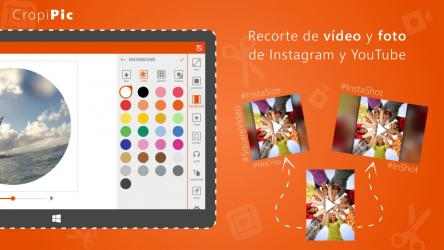
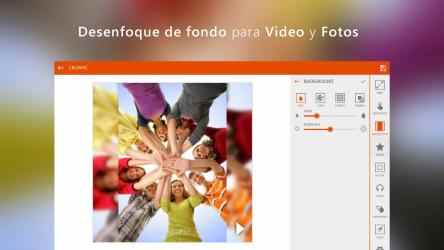
Easily edit your video or photo to post it on Instagram, YouTube, or send it through WhatsApp, Telegram keeping the high quality. Blur video or photo background, apply cool video effects, add shapes, and music to your video.
Rotate video to fit landscape YouTube video format or portrait video for Instagram or Facebook, and more!
What can you do with CropicPic:
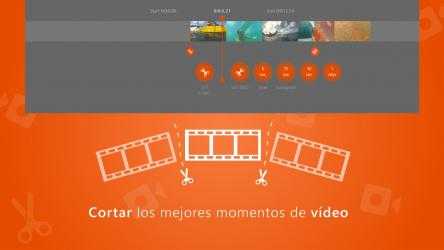
⋆ Trim your mp4 video from the beginning or end;
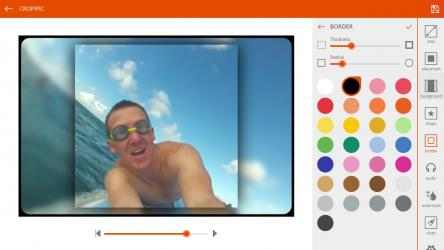
⋆ Use blur background for your video or photo;
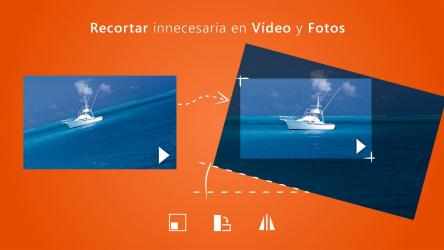
⋆ Crop and rotate video or photo;
⋆ Zoom in or out your video, fit the frame, flip;
⋆ Apply video effects;
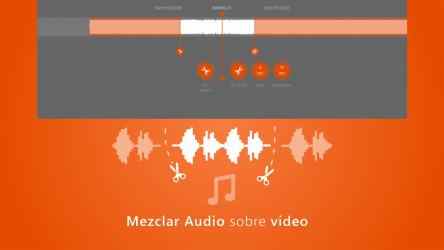
⋆ Mix audio and video;
⋆ Crop video or photo so it can start or end from the best position;
⋆ Change the aspect ratio will to post the entire photo or video to Instagram, Facebook, TikTok, or IGTV without cropping and sacrificing the quality;
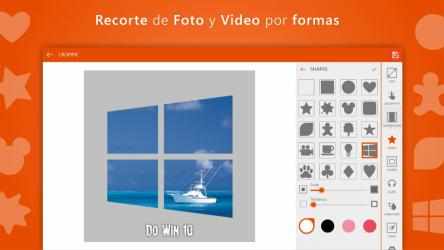
⋆ Crop video or photo using embedded custom shapes;
⋆ Adjust video position, resize, rotate, scale and fill;
⋆ Add your own brand or channel watermark on your video or photo, customize it;
CropiPic is a perfect alternative to video editors, such as InShot / iMovie/ InstaSize / NoCrop / Square video & photo, that are available on other platforms.
CropiPic - crop video & image has become a very popular program lately, currently having more than
1 018 downloads on this page. Official app CropiPic - crop video & image...
CropiPic - crop video & image is a successful
Photos and videos that has been developed by
Mixilab , a company with several moderate successes in this world of apps. El mensaje de Israel Escribano It is very good for me to edit my videos, it works well, but you have to pay and I love it, it is a good app
CropiPic - crop video & image... CropiPic - crop video & image INCLUDES:.
Rotate video to album orientation for YouTube.
simple video editing and screenshots of Instagram, Whatsapp, the Google Youtube website, etc. unoccupied background blur, video finishes, photo finishes, shapes and audio blends.
support support "CropiPIC" make and post your InstaShot / InShot / InstaSize / NoCrop / Square video and photo