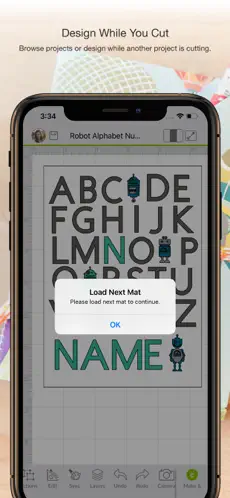
Enjoy total creative freedom over your next DIY project with Cricut Design Space™. Design, cut, or draw by connecting to Cricut Explore™ or Cricut Maker™ machines.
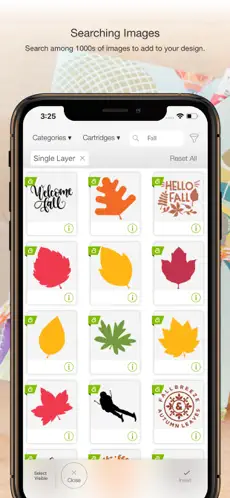
Start your project from scratch or browse thousands of images, ready-to-make projects, and unique fonts in the Cricut Image Library.
Create from anywhere, any time inspiration sparks with cloud-based syncing across devices.
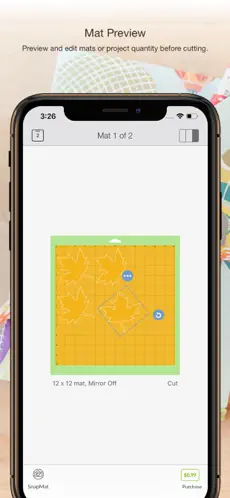
Make the most of every last scrap with the SnapMat™ feature.
Connect to your compatible Cricut cutting machine with a Bluetooth® connection.
Experience brand-new features like kerning, spell check, right-to-left text & more by upgrading your device to iOS 14 or above.
New to Cricut? Welcome! To use this companion Design Space app, first activate your new machine at cricut.com/setup
Existing members with Cricut Joy™ machines? For fun or functional projects in 15 minutes or less, use the companion Cricut Joy™ app.
Features:
• Over 50,000 FREE images, fonts & projects
• Upload & edit your own compatible image files (jpg, .bmp, .png, .gif, .svg, and .dxf)
• Browse Cricut fonts or use your own system fonts
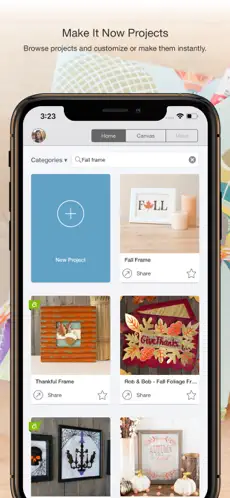
• Cut predesigned Make It Now projects quickly & easily
• Make cards, invitations, 3D models & more
• Design home & party decor, jewelry, and fashion accessories
• Get perfect cut settings for your material type
• Visualize & position artwork on scrap material with SnapMat™ feature
• Access images & projects and make purchases on cricut.com or Design Space with Cricut ID.
• Setup & activate machine right from app
• Bluetooth® capability (Bluetooth adapter may be required, sold separately)
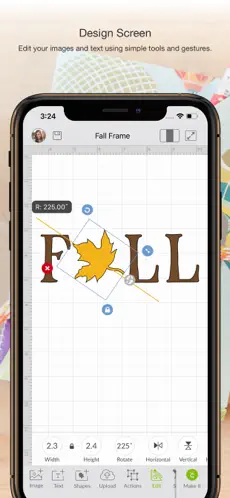
• Easily position, resize & rotate text
• Kerning for fonts
• Follow step-by-step project instructions
• Ready-to-make mug designs
• Auto-save projects
Cricut Access:
https://cricut.com/legal#terms-of-use
Cricut Design Space is a successful
Graphic design that has been developed by
Cricut , a company with several moderate successes in this world of apps. Talk to the Cricut Design Space. Cricut Design Space for Android ... Nos opinó Christian Pozo Every single time I go to make a project y’all change something, nicer but now I can’t even change the color and using iPad with latest iOS
Connect with Cricut Design Space efficiently and transparently... Enjoy playing Cricut Design Space...