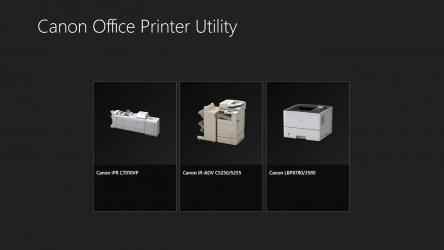
This application is exclusively for Canon laser multi-function devices and laser printers. Installation of the UFR II/UFRII LT V4 Printer Driver is required to use this application. The UFR II/UFRII LT V4 Printer Driver can be downloaded from the Canon web site.
This application can be used with imageRUNNER Series, imageRUNNER ADVANCE Series, imagePRESS Series, imageCLASS Series, and i-SENSYS Series devices. When printing from Windows Store apps and Windows apps, you can configure detailed print settings and confirm the status of multi-function devices and printers.
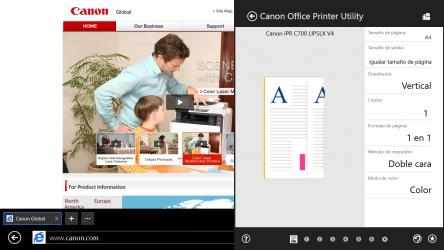
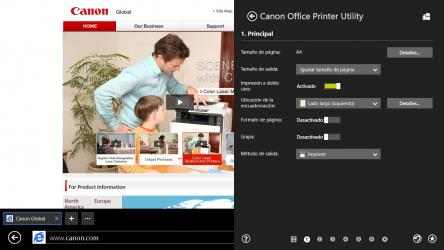
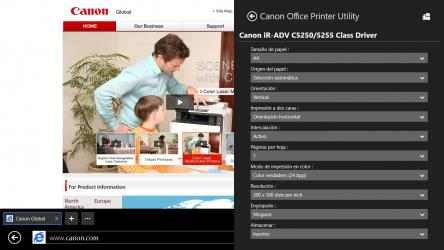
- When printing from Windows Store apps and Windows apps, you can configure detailed print settings.
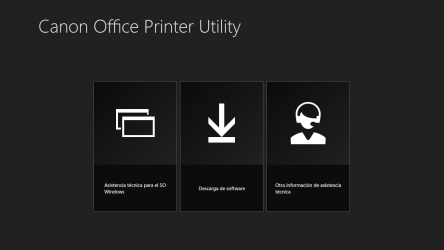
- You can access the Canon support site and software download site.
- It can launch the Remote UI, which is software for managing laser multi-function devices and laser printers using a web browser.
- It can display the status (paper shortages etc.) of laser multi-function devices and laser printers.
- For information on how to launch the Remote UI and display status information, refer to the [Regarding use of this app] items in the settings screen after installing this application.
*Some functions may not be usable depending on the model and setup state of the laser multi-function device or laser printer you are using.
*The UFR II/UFRII LT V4 Printer Driver may not be able to be used, depending on the region.
This program is exclusive to Canon laser printers and laser multifunction devices. Installation of the UFR II/UFRII LT V4 printer driver is required to use this application. The UFR II/UFRII LT V4 printer driver is downloadable from the Canon website.
- To harvest data on how to start the remote UI and display the status info, please refer to the items in [On using the app] on the setting screen after installing this app.
- Shows the status (amount of paper, etc.) of multifunction devices and laser printers.