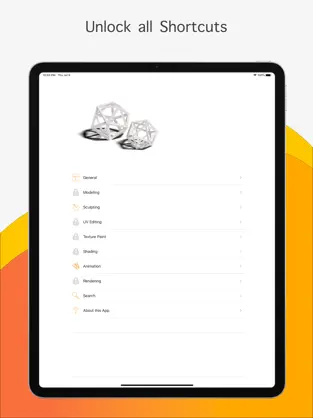
PLEASE NOTE: This is a reference guide for keyboard shortcuts used in the desktop version of Blender. You CAN NOT create 3D models or animations inside this app.
No matter if you are a new Blender user or have been using Blender already for a while, it comes with a lot of keyboard shortcut. If you know them you can improve your workflow and work much faster. This app was built to help you get to know the different keyboard shortcuts.
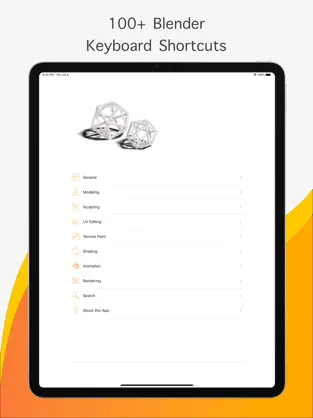
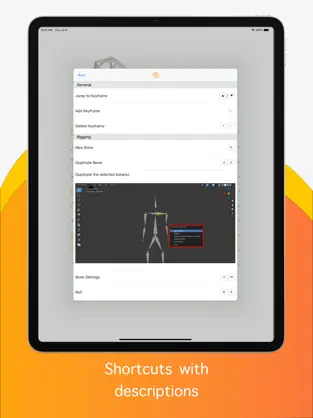
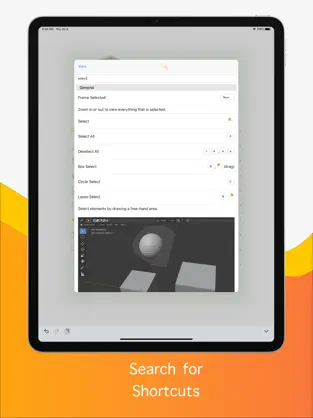
This app contains more than 100+ keyboard shortcuts for the 3D software Blender version 2.8 and up. All keyboard shortcuts are available offline and are sorted by various categories. We also added some helpful descriptions to each shortcut explaining it. Additionally, the app offers the possibility to search for keyboard shortcuts.
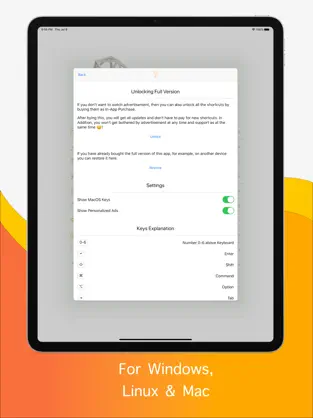
There are two different versions of the app available. The free version contains Ads, but for a small amount, you can get an Ad-Free version of the App. In the free version you can unlock a limited number of shortcuts. The ad-free version with all shortcuts you can buy as In-App Purchase in the App whenever you like. This means you can try out the app as long as you want without paying anything and if you like it and do not want to see advertisements or want all the shortcuts you can buy the Ad-Free version.
Connect with Blender Keys efficiently and seamlessly... Mobile application of the Blender Keys... Read offline horror story : Blender Keys. Dice Tamara Mas I don’t understand this app, i thought this was a mobile version of blender adn also makes you watch adds to unlock
At the same time, it adds that it does not consume many resources, so it can be installed in almost any
Iphone .
Blender Keys is a successful
Games that has been developed by
Barracudabyte , a company with several moderate successes in this world of apps.