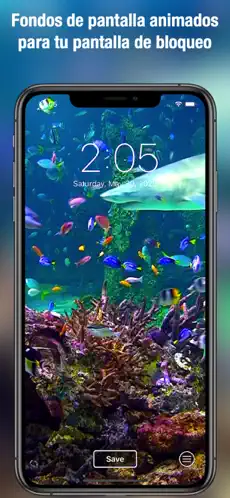
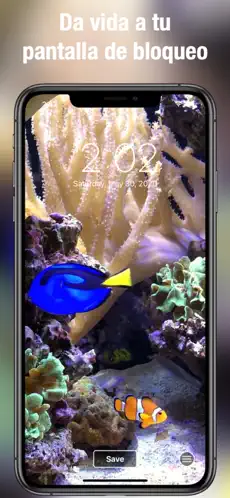
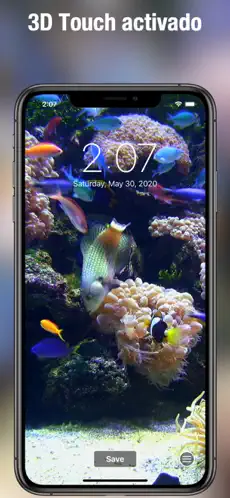
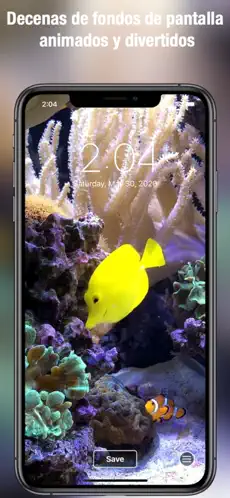
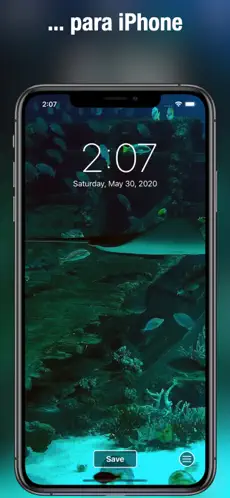
Dive into the beauty of the ocean with stunning, aquarium-themed Live Wallpapers for your iPhone! Choose from a vibrant collection of tropical scenes featuring dynamic animations of sharks, clownfish, blue tangs, and more. Bring your screen to life with these captivating underwater moments.
Explore, swipe, and discover your favorite live wallpapers. Save them to your Camera Roll and easily set them as your lock screen. Just hold your finger to your screen to experience the aquarium in motion.
How to Set Your Live Aquarium Wallpaper:
+ Browse through a variety of breathtaking live wallpapers.
+ Tap and hold to see the animation in full action.
+ Like what you see? Save it to your Camera Roll with a single tap.
+ Apply it as your live lock screen wallpaper with a few simple steps.
+ For the best experience, zoom out slightly to capture every detail.
Unlock your iPhone's full potential with mesmerizing aquatic scenes. Download now and transform your lock screen into a tropical paradise!
+ 5M Acuario fondos de pantalla ... Acuario fondos de pantalla - Radio Online... Acuario fondos de pantallas HD y Live...
How to play Acuario fondos de pantalla:. Enjoy your Acuario fondos de pantalla anywhere....
Awesome aquarium theme live wallpaper on your iPhone! Many beautifully designed tropical moving wallpapers to choose from. Aquarium Live Wallpaper only works on iPhone 6s, 7, 8, X or later. Featuring sharks, clown fish (Nemo), blue tang (Dory), and many other colorful fish, these long Aquarium Live Wallpaper scenes will light up your iPhone. various wallpapers to find your favorites. Then save the ones you'd like to use to your Camera Roll. From there, just follow the same steps you normally do to turn regular photos into your lock screen and/or wallpaper. To play the aquarium scenes, just hold your finger on the lock screen. How to set as live lock screen wallpaper: + Simply swipe between live wallpapers + Touch the photo to play the animation completely + Yes If you like a particular live wallpaper, press the save button to save it to the Camera Roll photo app + To set it as a live wallpaper for your lock screen, press the action button and select the background action + For best quality, zoom out as it is slightly enlarged by default + Touching the screen lock will play the selected aquarium scene