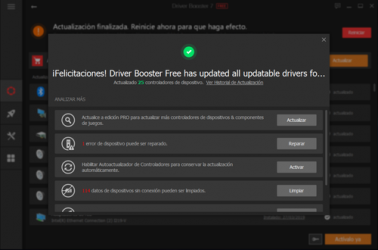
Driver Booster , one of the apps developed by the developer team for
Windows devices.
Driver Booster has an interface that will allow the user to carry out its operations without any complications. That is why more than
1,716 people have downloaded this software at Downloads.com Download
Driver Booster here now and try it on your device quickly and safely.
No tutorial is required to start using
Driver Booster . Most of the third-party programs currently offered are somewhat slow and tedious, which is not the case with
Driver Booster.
A very common mistake that we usually make is to remember only the drivers when we install the motherboard for the first time, or when we add a new component to the computer (such as a graphics card).
Keeping our team updated
Over time, the manufacturer corrects certain errors and gives us the possibility to fix them by updating the drivers. However, checking for any driver-by-driver updates can be a pain.
And this is where the
Driver Booster tool comes into play.
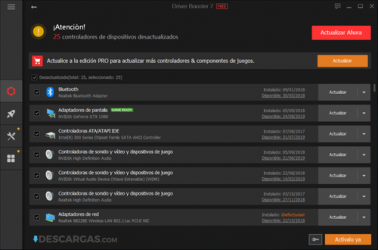
This software is designed to scan your computer, it will
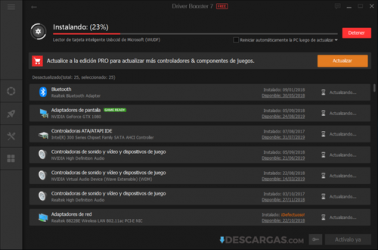
check the drivers you have installed and will tell you if they are outdated. Even if we activate the corresponding option, the program will have the ability to eliminate the old drivers to replace them with the latest available option. In theory, this version will be the one that works best.
Using tools with care
However, an update could compromise the proper functioning of the operating system: for this reason, the program automatically creates system
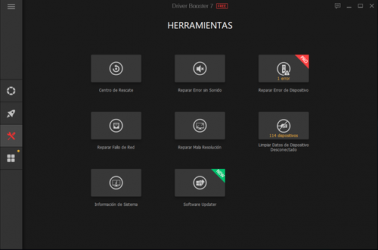
restore points . If something goes wrong, we can always revert the state of the equipment. We can also choose the drivers that we do not want to update, for whatever reason.
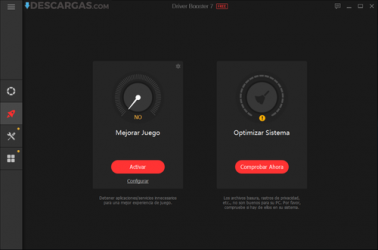
And best of all, we can make the program run in the background, in such a way that it consumes the minimum amount of resources. We can be using Windows and, at the same time,
Drive Booster will take care of keeping the system updated.
Use this program and avoid any system malfunction due to not having updated drivers.